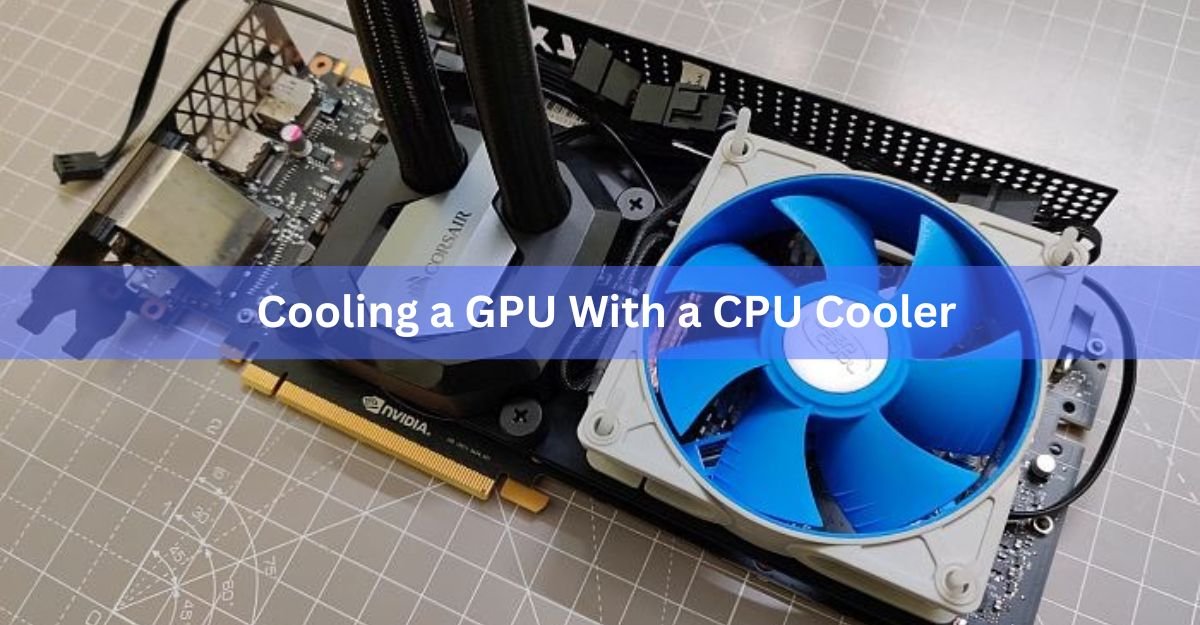
Yes, you can cool a graphics card with a CPU cooler, and in some cases it runs cooler and quieter than the fans it came with. But it is not a plug-and-play swap. A CPU cooler only touches the main chip. A graphics card also has memory and power parts that get very hot, and those still need their own cooling. Get that part wrong and your core temperature looks great while the card quietly cooks itself somewhere else.
This guide walks through what works, what fails, and how to decide if the mod is worth it for your card.
Air cooler vs AIO: two very different jobs
“CPU cooler” means two very different things here, and mixing them up is where most confusion starts.
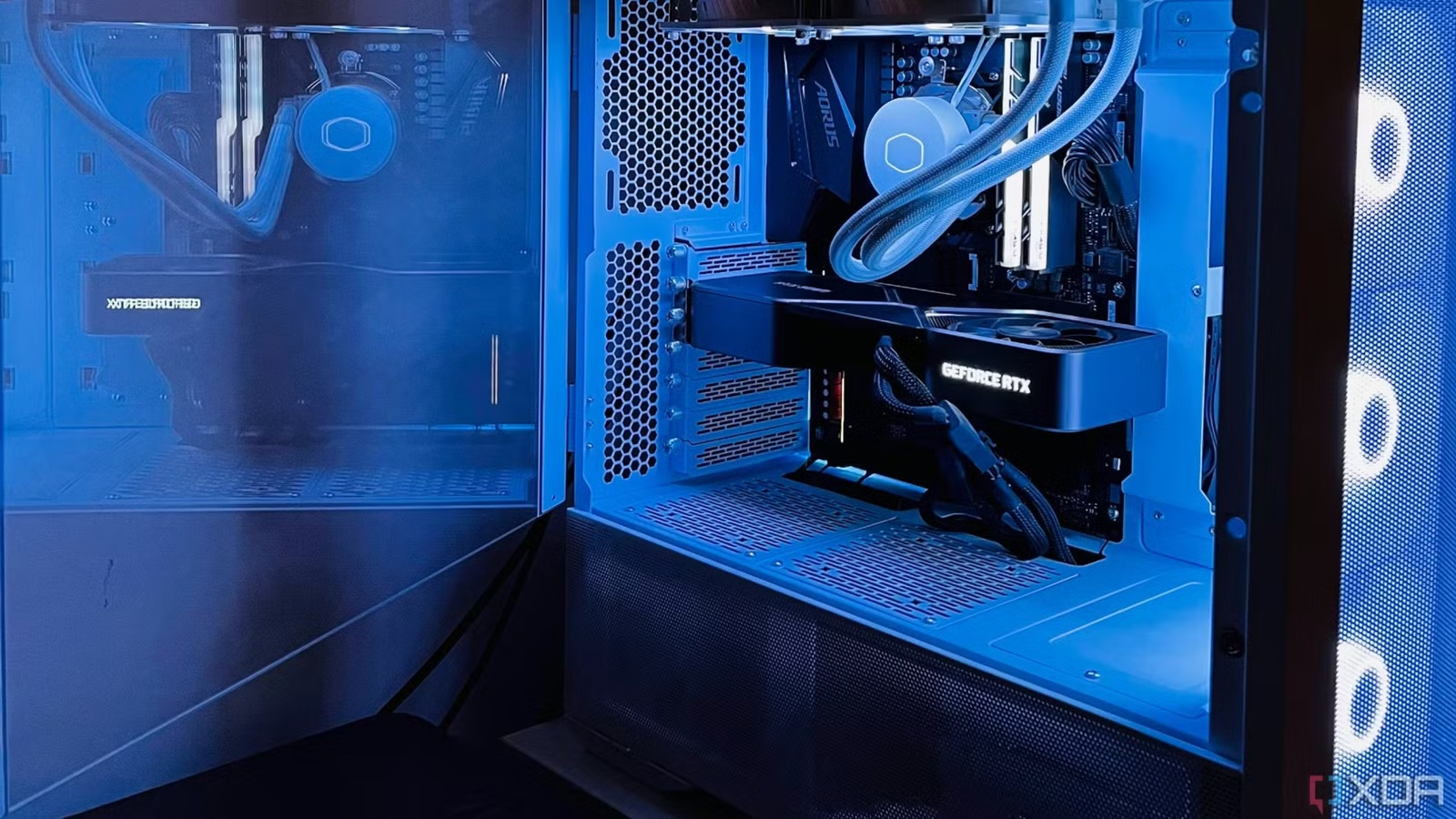
An AIO (all-in-one liquid cooler) is a small water block with a pump, joined by tubes to a radiator with fans. On a GPU it works well, because you only bolt the flat block to the chip and mount the radiator elsewhere in the case. This is the common, proven path, and gaming PCs have used it for years.
An air tower is a big block of metal fins with a fan, like a Noctua NH-D15 or a Cooler Master Hyper 212. These can beat a stock GPU cooler on the core, but they are heavy, they are tall, and they were never shaped to sit on a graphics card. Mounting one is a real project, not a quick swap.
Simple rule: an AIO is the sensible way to put a CPU cooler on a GPU. An air tower is a fun experiment, not an upgrade for a daily machine.
There is a good reason for the size difference. A modern CPU might pull 100 to 150 watts, while a high-end graphics card can pull 250 to over 400 watts. A cooler built for a CPU has to handle a lot more heat on a GPU than it ever did on its old job, so a small or stock CPU cooler will usually do worse, not better.
The part everyone forgets: memory and VRM
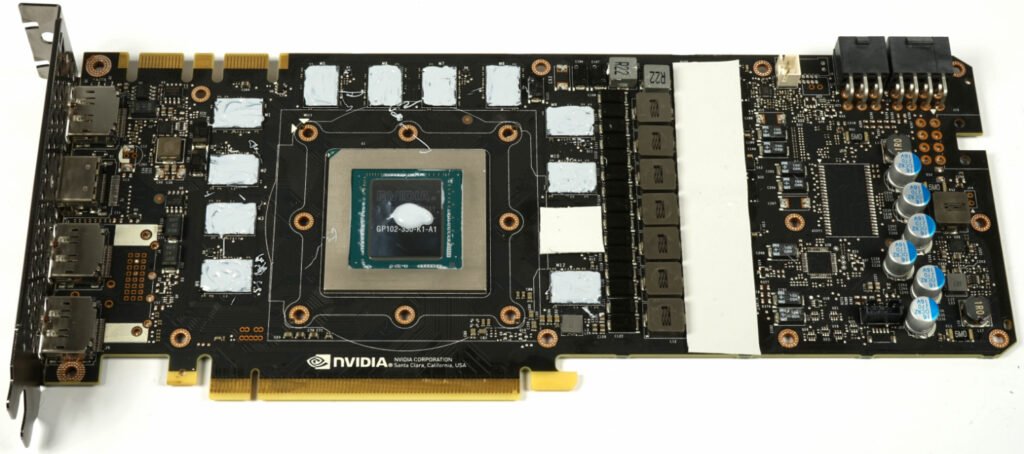
A graphics card has three things that make heat, not one. The core (the GPU chip), the memory (VRAM) around it, and the VRM (the power delivery parts that feed the chip). The stock cooler cools all three at once with one big metal plate.
A CPU cooler only sits on the core. The moment you remove the stock cooler, the memory and VRM lose their cooling completely. The core can read a lovely low number while the memory climbs past 100 degrees Celsius a few centimetres away.
This is the single most common way the mod goes wrong. You must add cooling for the memory and VRM yourself. That usually means small stick-on heatsinks on the memory chips and power parts, plus a fan blowing across that whole area.
Memory limits worth knowing: modern GDDR6X memory is rated to run up to around 110 degrees Celsius before it slows itself down, and cards are designed to throttle at that point to protect the chips. That sounds high, but it means once you see numbers near 100 you have very little room left. Keeping memory under about 95 degrees is the healthy target.
VRM limits: power parts are happiest below roughly 90 to 100 degrees. Push past that and you get instability, crashes, or on-screen glitches even when the core looks cold.
If you take one thing from this guide: cool the core all you want, but the memory and VRM decide whether the mod is a success or a slow failure.
How to mount a CPU AIO on a GPU
An AIO needs a GPU bracket to hold the block against the chip, because CPU and GPU mounting holes are not the same. The best-known bracket is the NZXT Kraken G12, which fits many Asetek-based AIOs and even ships with a 92mm fan for the memory and VRM area. It has been hard to find new for a while, so the used market and a few universal brackets are the usual sources now.
- Check compatibility first. Confirm your card is on the bracket’s support list and that your AIO uses the round Asetek-style block the bracket expects. Older and reference-design cards fit best; many newer cards do not line up.
- Record your starting temperatures. Run the card at full load for about 10 minutes and log core, memory, and VRM temps with a tool like GPU-Z or HWiNFO. This is your before picture.
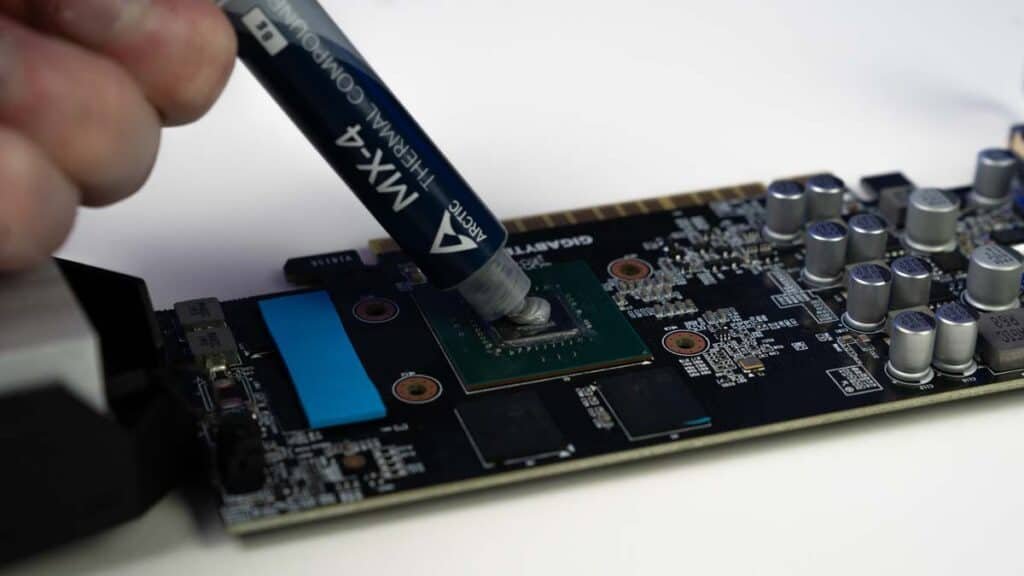
- Remove the stock cooler. Unscrew the backplate and shroud carefully, unplug the fan header, and lift the cooler off. Clean the old paste off the chip with isopropyl alcohol.
- Fit the bracket and stick-on heatsinks. Attach small heatsinks to the memory chips and VRM using thermal adhesive pads, then bolt the GPU bracket to the card.
- Mount the block and radiator. Apply a small amount of fresh thermal paste to the chip, twist or clip the AIO block onto the bracket, then screw the radiator and its fans into a case spot with enough room.
- Confirm the VRM fan spins. The bracket’s 92mm fan (or one you add) must blow across the memory and VRM heatsinks. Without it, those parts have no airflow at all.
- Retest and watch memory temps. Run the same 10-minute load and compare. Core should drop a lot. If memory or VRM climb toward their limits, you need more heatsinks or better airflow.
How to mount a CPU air cooler on a GPU
This is the harder, riskier route, and it is really for benching and tinkering rather than a long-term build. The two big problems are that the mounting holes do not match and that a heavy tower can bend or snap a card at the PCIe slot.
People have made it work by 3D-printing a bracket that lines up with the screw holes already on the card, then bolting the cooler down through that with fresh paste between the two. Zip-tie jobs tend to run hot and rattle loose, so a proper bracket is the difference between a working mod and a bad idea.
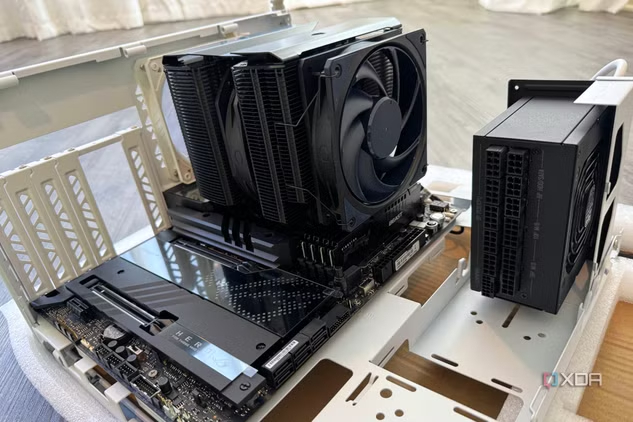
Even with a solid bracket, you still have the same memory and VRM problem as the AIO route, plus two more: the tower is often too tall to fit in a normal case, and its weight needs support so the card does not sag. Most people who do this run the card on a riser cable on an open bench and prop the cooler up. As a daily setup inside a closed case, it rarely makes sense.
What temperatures to expect and watch
A good AIO mod usually drops core temperatures well below what the stock cooler managed, and it can be much quieter at idle. The stripped-down single fan on the bracket, though, does less for the memory than the full stock shroud did, so memory can actually end up warmer than before if you are not careful.
Here are the rough numbers to keep an eye on while testing:
| Part | Comfortable | Getting hot | Slows down / risk |
|---|---|---|---|
| GPU core | Under 70 C | 70 to 83 C | 83 C and up |
| Memory (VRAM) | Under 90 C | 90 to 100 C | Around 110 C |
| VRM (power parts) | Under 90 C | 90 to 100 C | Over 100 C |
Log all three with HWiNFO, not just the core. A card showing a 55 degree core and a 105 degree memory reading is not a healthy card, even though the headline number looks great. If you want the official view on safe operating temperatures for your exact card, check the manufacturer’s page, for example NVIDIA’s GPU temperature guidance or AMD’s product support pages.
Is it worth it?
For most people, the honest answer is: only in specific cases. Here is a quick way to decide.
| Your situation | Best move |
|---|---|
| Card runs hot and loud, you have a spare AIO and a matching bracket | Worth trying, the AIO mod can be a real win |
| You just have a spare CPU air tower | Skip it for a daily build, fun only on an open bench |
| Modern high-end card with tricky board layout | Usually not worth it, brackets often will not fit |
| Card is still under warranty | Do not, this mod voids the warranty |
| You only want lower temps with no risk | Repaste, add fans, or improve case airflow instead |
The mod voids your graphics card warranty and adds real risk: bent boards, cracked chips, and overheated memory are all possible if you rush. If your only goal is cooler, quieter running, cleaning the card, replacing the thermal paste, and improving case airflow will get you most of the way there with none of the danger.
Frequently asked questions
Can I put any CPU AIO on my graphics card?
No. You need a GPU bracket like the NZXT Kraken G12, and the AIO must use the round Asetek-style block the bracket expects. Square blocks and many newer cards will not fit, so check both lists first.
Does a CPU cooler cool the GPU memory too?
No, and this is the key point. A CPU cooler only sits on the main chip. The memory and VRM lose all cooling when you remove the stock cooler, so you must add heatsinks and a fan for them yourself.
Will this void my warranty?
Yes. Removing the stock cooler voids the graphics card warranty in almost every case. Only do the mod on a card you are willing to lose if something goes wrong.
Is a CPU air tower better than my stock GPU cooler?
Sometimes on the core, but rarely worth it overall. Big towers are heavy and tall, need a custom bracket, and still leave the memory and VRM uncooled. It is a bench experiment, not a daily upgrade.
What is a safer way to lower GPU temperatures?
Clean out dust, replace the thermal paste, add case fans, and set a better fan curve. Undervolting also cuts heat with no hardware risk and keeps your warranty intact.
Conclusion
You can cool a GPU with a CPU cooler, and an AIO on a proper GPU bracket is the way that actually works, often running the core cooler and quieter than stock. The catch is the memory and VRM: add stick-on heatsinks and a fan for them, or they overheat while the core looks fine. A good result means a cold core and memory staying safely under about 95 degrees. If you are not chasing that, better airflow and fresh paste are the safer fix.
Related Post:
Should You Use Hardware-Accelerated GPU Scheduling? A Plain 2026 Answer
AMD Ryzen Z2 Extreme GPU Equivalent: What Desktop Card It Matches
How to Undervolt a GPU with MSI Afterburner (Cooler, Quieter, Same FPS)
What GPU Is the Radeon 890M Equivalent To? A Plain Answer