Yes, 8GB of VRAM is still enough for 1080p gaming in 2026, as long as you’re happy using high textures instead of ultra in the newest big games. It is not enough for comfortable 1440p gaming with high textures or ray tracing, and it’s a poor fit for 4K.
That’s the quick answer. The full answer depends on three things: the screen you play on, the games you play, and how long you want the card to last. This guide covers what VRAM does, where 8GB runs out, what that looks like on screen, and when paying extra for 12GB or 16GB makes sense (and when it doesn’t).
8GB of VRAM at a glance
| What you want to do | Is 8GB enough? | What to expect |
| 1080p esports and older games | Yes | Plenty of room to spare |
| 1080p new AAA games | Mostly | High textures, not ultra; go easy on ray tracing |
| 1440p gaming | Only with compromises | 12GB is the real minimum, 16GB is comfortable |
| 4K gaming | No | Plan on 16GB or more |
| Local AI (7B to 8B models, SDXL images) | Yes, for small models | Bigger models need 12GB or more |
| Video editing | Yes for 1080p | 4K projects run smoother with 12GB to 16GB |
What does VRAM do, and why does the amount matter?
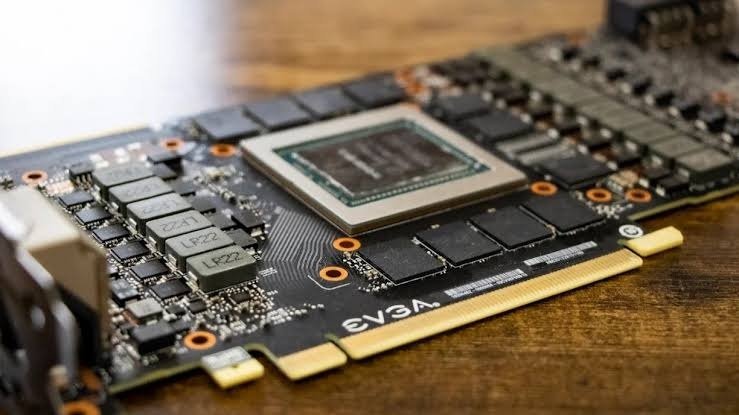
VRAM (video RAM) is the fast memory built onto your graphics card. It holds everything the GPU needs to draw the next frame: textures, 3D models, lighting data, and the extra data used by ray tracing and upscaling.
Here’s the part most buyers miss. VRAM works like a threshold, not a speed boost. If a game needs 7GB, an 8GB card and a 16GB card with the same chip will run it at almost exactly the same speed. The extra memory just sits there unused.
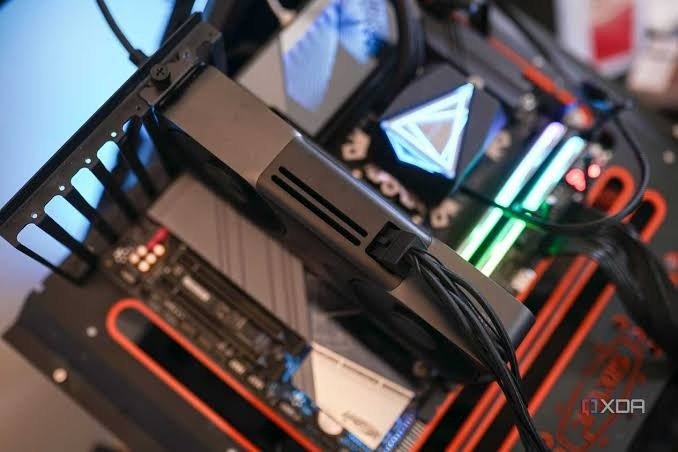
The difference only shows up once a game wants more than 8GB. At that point the card has to borrow your regular system RAM, which is much slower for the GPU to reach. Performance doesn’t dip a little. It falls off a cliff.
Two settings drive VRAM use more than anything else: texture quality and resolution. Ray tracing and frame generation add more on top. That’s why the same card can feel great at 1080p and struggle at 1440p.
Is 8GB of VRAM enough for 1080p gaming?
For most people, yes. At 1080p, 8GB runs the vast majority of games well. Competitive games like Counter-Strike 2, Valorant, Fortnite, and League of Legends use well under 8GB, so they’re not a concern at all.
Game studios also keep designing around 8GB, because so many players have it. In Valve’s Steam Hardware Survey for August 2026, 8GB cards made up 25.74 percent of systems, just behind 16GB at 26.92 percent. Among Windows PCs alone, 8GB was still the single most common amount in July 2026, at 33.2 percent. A studio that shuts out a quarter or more of its buyers loses sales, so 8GB cards keep showing up in minimum and recommended specs.
The catch is the newest, most detailed single-player games. Some can fill 8GB even at 1080p once textures are on ultra or ray tracing is switched on. Indiana Jones and the Great Circle is a clear example. Bethesda’s official PC requirements list an 8GB card (RTX 2060 Super or RX 6600) for native 1080p on the Low preset, while the recommended tier for 1440p on High jumps to a 12GB card.
So at 1080p, expect to use high textures rather than ultra in the heaviest games. At this resolution the visual difference between the two is often hard to spot.
Is 8GB of VRAM enough for 1440p?
Only if you’re willing to make trade-offs. A 1440p screen has about 3.7 million pixels, roughly 78 percent more than 1080p. Many 2025 and 2026 AAA games go past 8GB at 1440p with high textures, and ray tracing pushes them further.
The clearest proof comes from cards sold in two memory sizes. The RTX 5060 Ti comes in 8GB and 16GB versions with the same chip, same core count, and same clock speeds, so memory is the only difference. In Marvel’s Spider-Man 2 at 1440p, the 16GB version ran about 26 percent faster on average and about 38 percent faster in its 1% lows (the slowest frames, which you feel as stutter). In the worst moments, the 8GB card dropped into single-digit frame rates.
You can still game at 1440p on 8GB. Drop textures to medium or high, leave ray tracing off in demanding games, and turn on upscaling such as DLSS, FSR, or XeSS. Upscaling draws the game at a lower resolution and then sharpens it up, which also trims VRAM use.
If 1440p is your main screen and you’re buying a new card, treat 12GB as the realistic minimum and 16GB as the comfortable choice.
Is 8GB of VRAM enough for 4K?
No. At 4K, 8GB is too little for modern games at the settings that make 4K worth having. The Indiana Jones requirements, for example, call for a 16GB card at the 4K Ultra tier.
Older games, light indie titles, and heavily upscaled games can still run at 4K on 8GB. But if you’re building a PC for 4K gaming, start your search at 16GB.
What happens when a game runs out of VRAM?
A game rarely just crashes. The signs are usually quieter and more annoying:
- Stutter and hitching. The game pauses for a split second when you turn quickly or enter a new area.
- Poor 1% lows. Your average frame rate looks fine, but the slowest frames fall hard, so motion feels uneven.
- Blurry or late-loading textures. Many games swap in low-detail textures to stay under the memory limit, so walls and faces look muddy even with ultra selected.
- Crashes or memory warnings. A few games refuse to run or crash at settings your card can’t hold.
This is why an average FPS number can hide the problem. A benchmark bar can look healthy while the game feels rough to actually play.
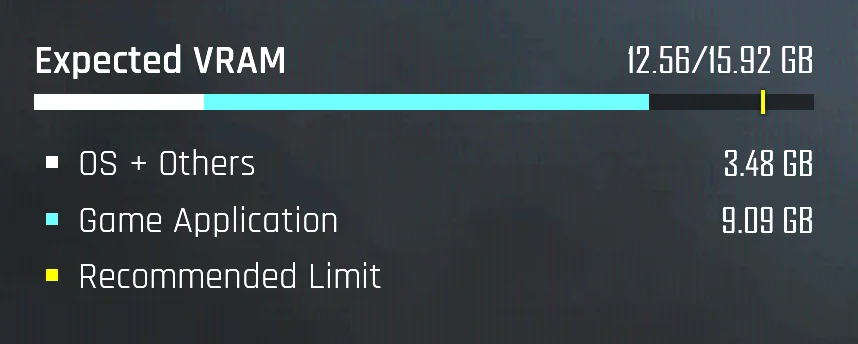
Your motherboard matters here too. When VRAM overflows, data travels between the card and system RAM over the PCIe slot. Budget cards like the RTX 5060 and 5060 Ti use only eight PCIe lanes, which halves that link compared with a full x16 card. On an older PCIe 4.0 or 3.0 motherboard, the link is slower still. In memory-limited scenes, moving an 8GB card from PCIe 5.0 to PCIe 4.0 has cost somewhere between 10 and 20 percent of its performance.
Tip for older PCs: If your motherboard is PCIe 4.0 or older, running out of VRAM hurts more. That makes a card with 12GB or more a safer buy for an upgrade to an older system.
How can you check how much VRAM a game uses?
You don’t need special tools to start. Open Windows Task Manager, go to the Performance tab, click your GPU, and look at “Dedicated GPU memory.” Leave it open while you play, then check it after a session.
Many games also show a VRAM meter in their graphics menu, which estimates use before you apply settings. For a live overlay, the NVIDIA app, AMD Software: Adrenalin Edition, and MSI Afterburner can all show VRAM in the corner of your screen.
One warning: games often reserve more memory than they strictly need. A reading of 7.8GB out of 8GB doesn’t always mean trouble. It’s the combination of a full meter plus stutter or blurry textures that tells you you’ve hit the wall.
How to get the most out of an 8GB graphics card
If you already own an 8GB card, a few changes go a long way. Work through them in this order:
- Lower texture quality by one step. It’s the biggest VRAM saver, and at 1080p the visual cost is usually small.
- Turn on upscaling at its Quality setting. DLSS, FSR, and XeSS all cut the internal resolution, which lowers memory use and raises frame rates.
- Be careful with ray tracing and frame generation. Both need extra VRAM, so test each one on its own before running them together.
- Close memory-hungry background apps. Web browsers, Discord, and streaming overlays with hardware acceleration can each take a few hundred megabytes of VRAM.
- Keep drivers and games updated. Patches regularly improve how games stream textures and manage memory.
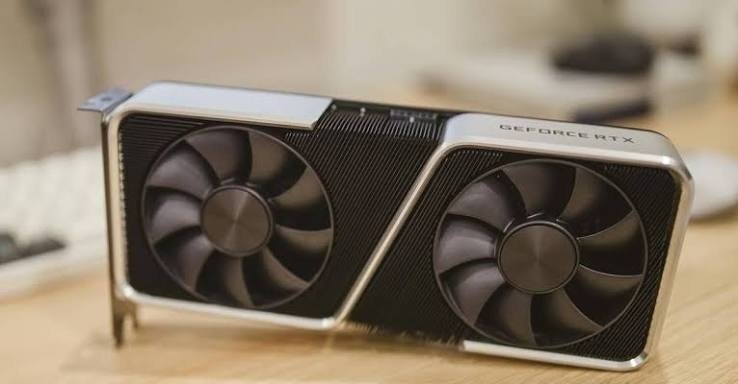
These steps won’t turn an 8GB card into a 16GB card. They will usually turn a stuttery experience into a smooth one at 1080p.
Is 8GB of VRAM enough in a gaming laptop?
The same rules apply, but laptop buyers run into 8GB more often. The laptop versions of the RTX 5050 and RTX 5060 both use 8GB, and so does the standard laptop RTX 5070. In testing, an 8GB RTX 5070 laptop pushed past its memory budget in games like Forza Motorsport, Rainbow Six Siege, and Assassin’s Creed Shadows, and performance dropped sharply.
Nvidia later added a 12GB version of the laptop RTX 5070 with an otherwise identical chip. Because both share the same name, check the spec sheet for the memory amount before you buy.
Many gaming laptops also have 1440p or 1600p screens. With an 8GB GPU, running demanding games at 1080p or with upscaling will usually feel smoother than native resolution.
Is 8GB of VRAM enough for AI, video editing, and 3D work?
For light creative and AI work, 8GB is a workable starting point. For anything heavier, it runs out fast.
Local AI chatbots. Language models are measured in billions of parameters (7B means 7 billion). A 7B or 8B model with 4-bit quantization, a compression method that shrinks the model, uses about 5GB to 6GB of VRAM. That leaves room on an 8GB card for a decent conversation. The same model at 8-bit is too tight, and 13B to 14B models at 4-bit need about 9GB, so they belong on a 12GB card.
AI image generation. Stable Diffusion XL fits in about 7GB and can make a 1024 by 1024 image in roughly 8 seconds on an RTX 4060. Newer, larger image models like Flux only fit on 8GB in heavily compressed versions, and they run slower.
Video editing. 8GB handles 1080p editing well. 4K timelines with effects, color grading, and GPU-heavy exports are smoother on 12GB to 16GB.
3D rendering. GPU renderers like Blender’s Cycles work best when the whole scene fits in VRAM. Large scenes with many high-resolution textures can pass 8GB, which slows renders down or forces you back to the CPU.
Will 8GB of VRAM still be enough in a few years?
Probably not for new big-budget games at high settings. Game memory needs only move one way. Today’s PlayStation 5 and Xbox Series X each have 16GB of shared memory, and PC versions of games built for them often want more than 8GB of graphics memory at high settings.
8GB won’t stop working overnight. Games will keep offering lower settings, and esports titles will stay light for years. But each year, the settings you need to lower to stay under 8GB will move up the list. If you want a card that runs new releases at high settings for four years or more, 8GB isn’t it.
Should you buy an 8GB graphics card in 2026?
It depends on price more than ever. A global memory shortage, driven largely by demand for AI hardware, has made cards with more memory much more expensive in 2026.
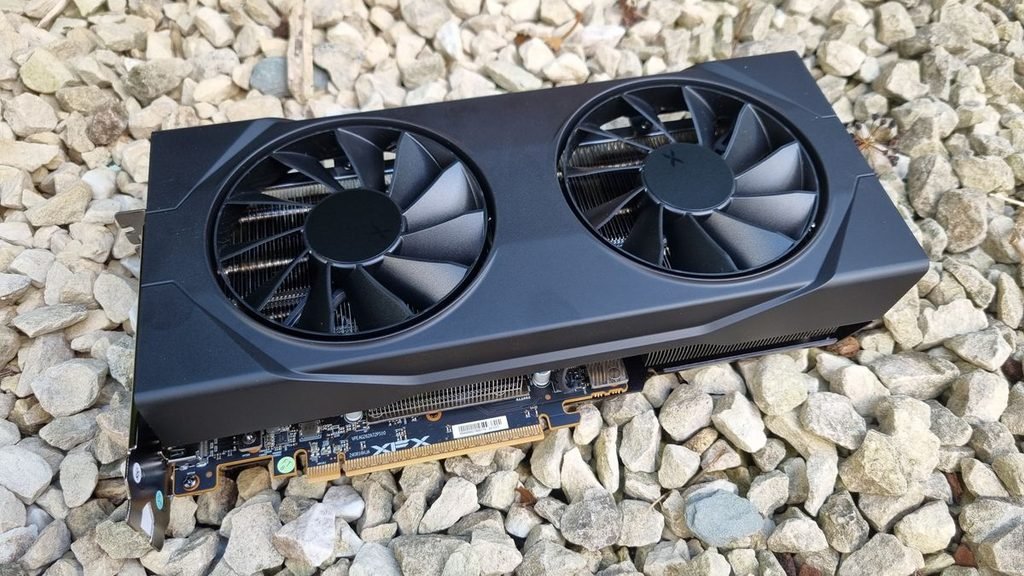
The RTX 5060 Ti shows the effect clearly. It launched at $379 for 8GB and $429 for 16GB, a $50 gap. By August 2026, the 8GB model was selling close to its launch price, while the cheapest 16GB models started around $560. That’s about $180 for the extra memory.
| Situation | Better choice |
| You play at 1080p on a tight budget | 8GB is fine |
| You mostly play esports or older games | 8GB is fine |
| You play at 1440p or higher | 12GB minimum, 16GB ideal |
| You love big single-player games with ray tracing | 16GB |
| You plan to keep the card four years or more | 12GB to 16GB |
| You want to run local AI models | 12GB or more |
Buy 8GB if you play at 1080p, you’re fine lowering textures in the newest games, and you’d rather save money now and upgrade in two or three years.
Pay for more if you play at 1440p, you want high settings in big new releases, or you plan to keep the card a long time. Look at 12GB cards such as Intel’s Arc B580 (launched at $249) or the RTX 5070, and compare against 16GB options like AMD’s RX 9060 XT 16GB, which has been among the cheapest 16GB cards in 2026. A used card with more VRAM can also be better value than a new 8GB card.
Whatever you choose, compare the price gap in your own market. When the gap between 8GB and 16GB versions of the same card is small, the 16GB version is almost always the better buy. When the gap is $150 or more, an 8GB card for 1080p becomes a sensible choice.
Frequently asked questions
Is 8GB of VRAM enough for 1080p gaming in 2026?
Yes. 8GB runs almost every game well at 1080p. In the heaviest new single-player games, use high textures instead of ultra and be careful with ray tracing to avoid stutter.
Does more VRAM increase FPS?
Not by itself. More VRAM only helps when a game needs more memory than your card has. If a game fits in 8GB, a 16GB version of the same card runs it at about the same speed.
Is 12GB of VRAM worth it over 8GB?
Yes, if you play at 1440p, like high texture settings, or plan to keep the card several years. For 1080p esports on a tight budget, 8GB is still fine and cheaper.
Can I add more VRAM to my graphics card?
No. VRAM is soldered onto the graphics card and can’t be upgraded. Windows “shared GPU memory” uses system RAM, which is far slower, so it isn’t a real substitute. More VRAM means a new card.
Is 8GB of VRAM the same as 8GB of RAM?
No. VRAM sits on the graphics card and holds game graphics data. System RAM sits on the motherboard and serves the whole computer. For gaming in 2026, aim for 16GB to 32GB of system RAM alongside your VRAM.
Conclusion
8GB of VRAM is enough for 1080p gaming in 2026, especially for esports and older titles, and it handles the newest AAA games if you use high textures instead of ultra. For 1440p, 12GB is the real minimum and 16GB is the comfortable pick, while 4K needs 16GB or more. If you buy 8GB, do it for the lower price at 1080p, and plan to upgrade within a few years. A good result is smooth frame times, not just high averages.
Related Post:
Is an 8GB Graphics Card Good? A Straight Answer for Your Setup
Are All GPUs Compatible With All Motherboards?
Is 16GB VRAM Enough for 1440p Gaming?