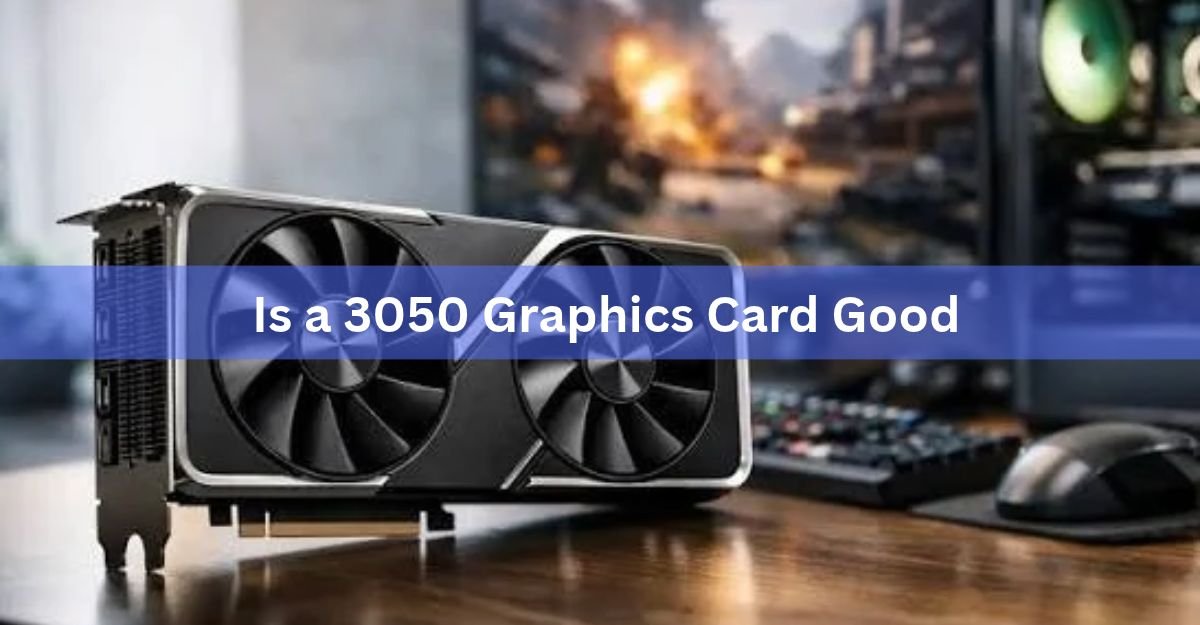
The RTX 3050 is good if you play esports titles, indie games, or older AAA games at 1080p, and it starts to struggle once you push newer, demanding games at high settings. It’s an entry-level card, not a mid-range one, and how good it feels depends almost entirely on what you play and how little you paid for it.
That’s the short version. The longer version covers what’s actually inside the card, how it holds up game by game, which variant to look for, and whether it still makes financial sense next to newer options.
What is the RTX 3050, exactly?
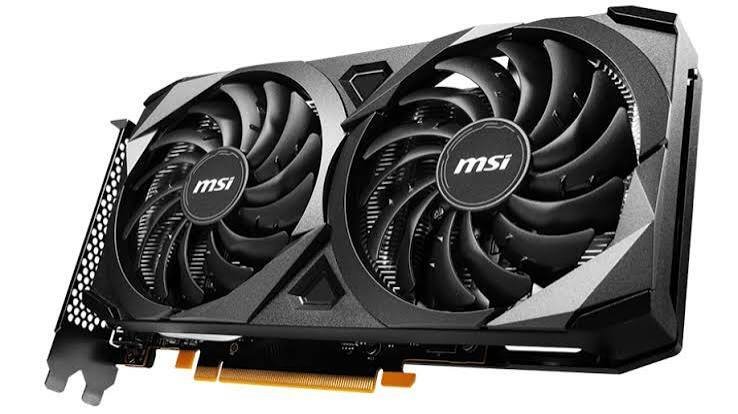
The GeForce RTX 3050 is Nvidia’s cheapest card in the RTX 30 series, built on the same Ampere architecture as the RTX 3060 but with fewer cores. The standard desktop version launched in January 2022 with 2,560 CUDA cores, 8GB of GDDR6 memory on a 128-bit bus, and a boost clock around 1.78 GHz. It draws about 130 watts, which is light enough to run on many budget power supplies without a separate high-wattage upgrade.
| Spec | RTX 3050 (8GB desktop) |
| CUDA cores | 2,560 |
| Memory | 8GB GDDR6, 128-bit bus |
| Boost clock | ~1.78 GHz |
| Power draw (TGP) | 130W |
| Launch price | $249 (Jan 2022) |
You can see the full current spec sheet on Nvidia’s own RTX 3050 product page, which also lists the card’s ray tracing and Tensor core counts. Because the 3050 shares its GA106 chip with the 3060, it isn’t a stripped-down afterthought the way some budget cards are; it’s a cut-down version of a genuinely capable GPU, which is part of why it still holds up reasonably well years later.
Is the RTX 3050 good for esports and older games?
Yes, clearly. In competitive titles like Counter-Strike 2, Valorant, Fortnite, League of Legends, and Rocket League, the RTX 3050 comfortably pushes well past 100 frames per second at 1080p on medium to high settings. These games are built to run on modest hardware, so the card’s limited core count barely matters here.
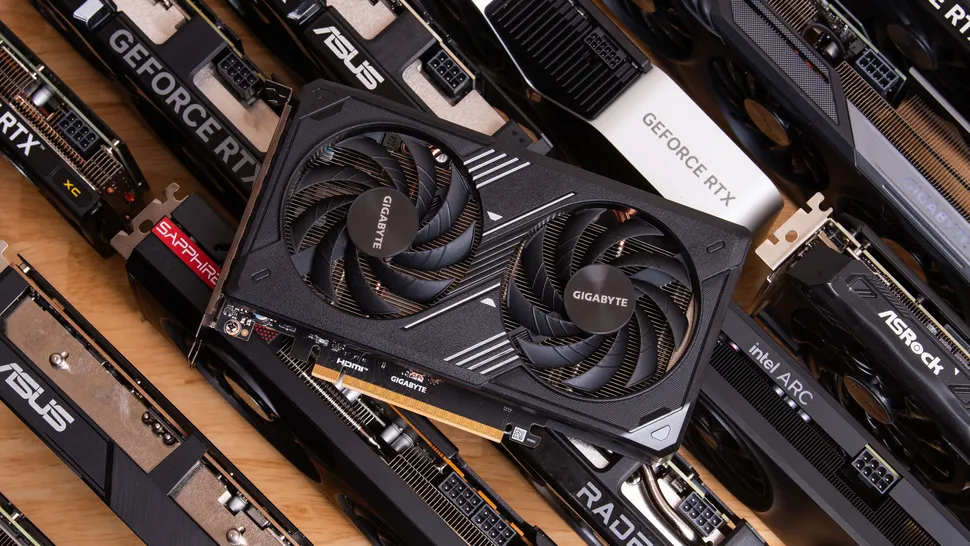
Older AAA titles, games from roughly 2016 to 2020, also run well at 1080p with settings turned up, often hitting a stable 60 frames per second or better. If your library leans toward these kinds of games, the 3050 does its job without drama.
How does it handle modern AAA games?
This is where the card shows its age. New, graphically heavy releases usually need medium settings, sometimes low, to hold a steady 60 frames per second at 1080p, and some demanding open-world titles fall well short of that even then. Ultra settings, 1440p, and 4K are not realistic targets for this card in current games.
The gap shows up unevenly. A well-optimized linear game can still look sharp and run smoothly at medium-high settings. A big, densely populated open-world title with heavy shadow work or particle effects is a different story, and you’ll usually end up dropping shadows, foliage draw distance, and reflections first, since those cost the most frames for the least visible payoff at 1080p.
Frame generation and upscaling (covered below) help close some of the gap, but they can’t fully offset the limited core count and memory bandwidth. Treat the 3050 as a 1080p, medium-settings card for anything released in the last two or three years, and set expectations accordingly.
Quick gut check: if your monitor is 1080p and you’re fine adjusting settings per game, the 3050 will get you through most of your library. If you’re chasing ultra settings or a higher resolution, it will disappoint.
What about RTX 3050 laptops?
Laptop RTX 3050s are a separate story from the desktop card, and performance varies more here than with any other version. Laptop makers set their own power limits for the same chip, so one RTX 3050 laptop can run noticeably faster than another with the identical name, depending on how much wattage and cooling the manufacturer allowed it.
The practical takeaway is the same as with the VRAM question above: check the specific model’s power limit and memory size before buying, not just the GPU name on the box. A well-configured laptop 3050 handles 1080p esports and light gaming fine; a heavily power-limited one will fall noticeably short of a desktop card with the same label.
Does the 4GB, 6GB, or 8GB version matter?
Yes, a lot. The RTX 3050 was sold in three memory configurations, and they are not interchangeable in practice.
- 4GB: the weakest variant, with fewer CUDA cores too. Fine for esports and light indie games, but 4GB of VRAM is tight for modern AAA titles even at low settings.
- 6GB: a later, cut-down desktop and laptop variant with a narrower memory interface than the 8GB card. Workable for budget 1080p gaming at medium settings, but still a step below the original card.
- 8GB: the original and most capable desktop version, and the one worth seeking out. The extra memory keeps textures loading properly in newer games and avoids the stuttering that shows up when VRAM runs out.
If you’re buying rather than already owning one, the 8GB version is the one to look for. The 4GB and 6GB cards exist mainly in laptops and budget desktop bundles, and they’ll hit their ceiling sooner.
Is ray tracing and DLSS worth using on this card?
The RTX 3050 does support real ray tracing and Nvidia’s DLSS upscaling, both genuinely useful features on paper. In practice, the card’s ray tracing hardware is the smallest in the RTX 30 lineup, so turning on ray tracing in a demanding game usually costs more frames than the card can afford to give up.
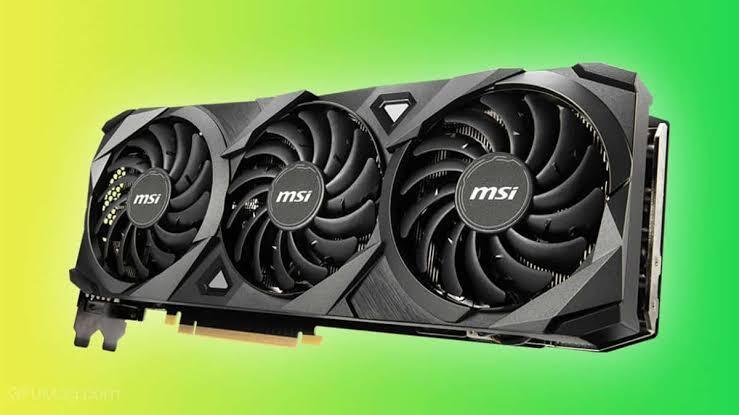
DLSS is the more useful feature of the two here. Setting it to balanced or performance mode in supported games can lift frame rates noticeably without a big hit to image quality, and it’s often the difference between a game feeling choppy and feeling smooth on this card. Ray tracing is best left off in anything but light, older titles.
How does it compare to the RX 6600 and RTX 4060?
Against AMD’s RX 6600, a similarly priced card from the same era, the 3050 usually loses on raw performance, roughly 15 to 20 percent behind in most games, but it makes up ground with ray tracing support and DLSS, which the 6600 doesn’t have (AMD’s FSR upscaling is the closest equivalent). Against the newer RTX 4060, the 3050 is clearly outclassed, with roughly 50 to 55 percent better performance on the 4060 alongside lower power draw.
| RTX 3050 | RX 6600 | RTX 4060 | |
| Street price (used market, 2026) | $140-190 | $180-220 | $260-300 |
| Relative 1080p performance | Baseline | ~20% faster | ~55% faster |
| VRAM | 8GB (or 4GB/6GB variants) | 8GB | 8GB |
| Power draw | 130W | 132W | 115W |
| Ray tracing / DLSS | Yes (2nd gen RT, DLSS 2/3) | No RT cores, FSR only | Yes (3rd gen RT, DLSS 3) |
None of that makes the 3050 a bad card outright. It makes it a card whose value depends heavily on price. At full launch price, it’s a weak buy next to either alternative. At a steep discount on the used or clearance market, it becomes a reasonable option again.
How long will it last?
If you’re mostly playing esports titles, a 3050 has a long runway left. Competitive games tend to stay lightweight by design, since developers want them to run on as many machines as possible, so the card’s core limitations rarely become the bottleneck there.
If you follow new AAA releases closely, plan on the card feeling increasingly limited over the next couple of years. Game requirements keep climbing, VRAM needs especially, and a card built around 2021-era hardware will keep falling further behind that curve. It’s not a card to buy expecting several years of headroom in demanding new titles.
Is it good value for the price today?
This is really the question that decides everything else. New RTX 3050 cards have mostly been discontinued and replaced by newer entry-level options, so most 3050s on the market now are used or old retailer stock, typically priced well below the original $249 launch price. At a genuinely low price, the value case is strong: you’re getting real ray tracing, DLSS, low power draw, and solid esports performance for less than almost anything else with those features.
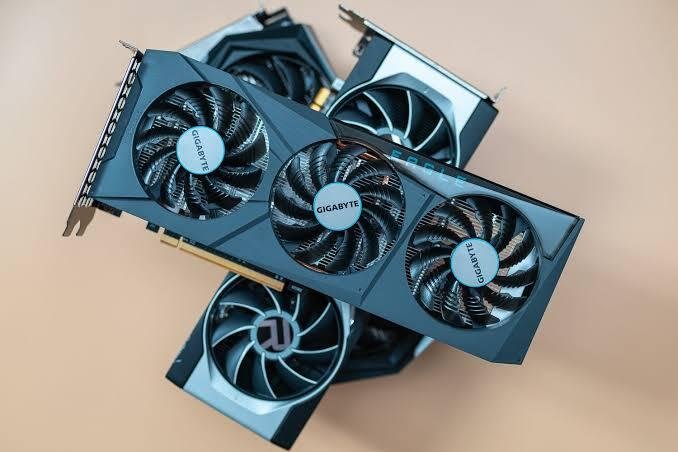
At anywhere close to full price, the math flips. A little more money usually buys a noticeably faster card, and a used RX 6600 or a current-generation entry-level GPU will often outperform a full-price 3050 by a wide enough margin to be worth the difference.
Who should buy a 3050, and who should skip it?
Buy one if you play mostly esports titles or older games, you’re building a tight-budget 1080p PC, you value low power draw and a compact card, or you’re finding one at a genuinely low price on the used market.
Skip it if you play current AAA releases and want to keep settings high, you’re targeting 1440p or higher, you plan to keep the card for several more years of demanding new games, or the price you’re being asked to pay is close to what a faster current-generation card costs.
Frequently asked questions
Is the RTX 3050 good for gaming in 2026?
It’s good for 1080p esports, older AAA titles, and lighter modern games at medium settings. It struggles with the newest, most demanding releases at high settings, so it suits budget 1080p builds more than future-proof ones.
Is the RTX 3050 better than the RTX 3060?
No. The RTX 3060 has more CUDA cores and more VRAM in its main 12GB configuration, and it beats the 3050 in nearly every game. The 3050 is the budget option built on similar architecture, not a rival to it.
How much VRAM does the RTX 3050 have?
The original and most common desktop version has 8GB of GDDR6. Nvidia and its partners also released 4GB and 6GB variants, mostly for laptops and lower-cost desktop bundles, which handle newer games less comfortably.
Is the RTX 3050 good for 1440p gaming?
Not really. It’s built and priced for 1080p. At 1440p, most current games need settings turned down significantly to stay smooth, and some demanding titles won’t hit a comfortable frame rate at that resolution at all.
Should I still buy an RTX 3050 in 2026?
Only if you find one at a low price and mainly play esports or older games at 1080p. If you’re paying close to its original price, a used RX 6600 or a current-generation entry-level card usually delivers more performance for similar money.
Conclusion
The RTX 3050 is a genuinely good entry-level card for 1080p esports, older games, and light modern titles at medium settings, and a weak one for current AAA games pushed hard. Buy the 8GB version, buy it cheap, use DLSS where you can, and keep expectations tied to 1080p, and it still earns its place in a budget build. Pay full price or expect it to handle demanding new releases at high settings, and it won’t hold up.
Realted Post:
Unsupported GPU Processing Mode in DaVinci Resolve: How to Fix It
Do You Need to Uninstall Drivers When Upgrading Your GPU?
What Are Good Temps for a CPU and GPU? Safe Ranges for Idle, Gaming, and Heavy Loads
Do I Need a GPU Support Bracket? A Plain Answer by Card Weight