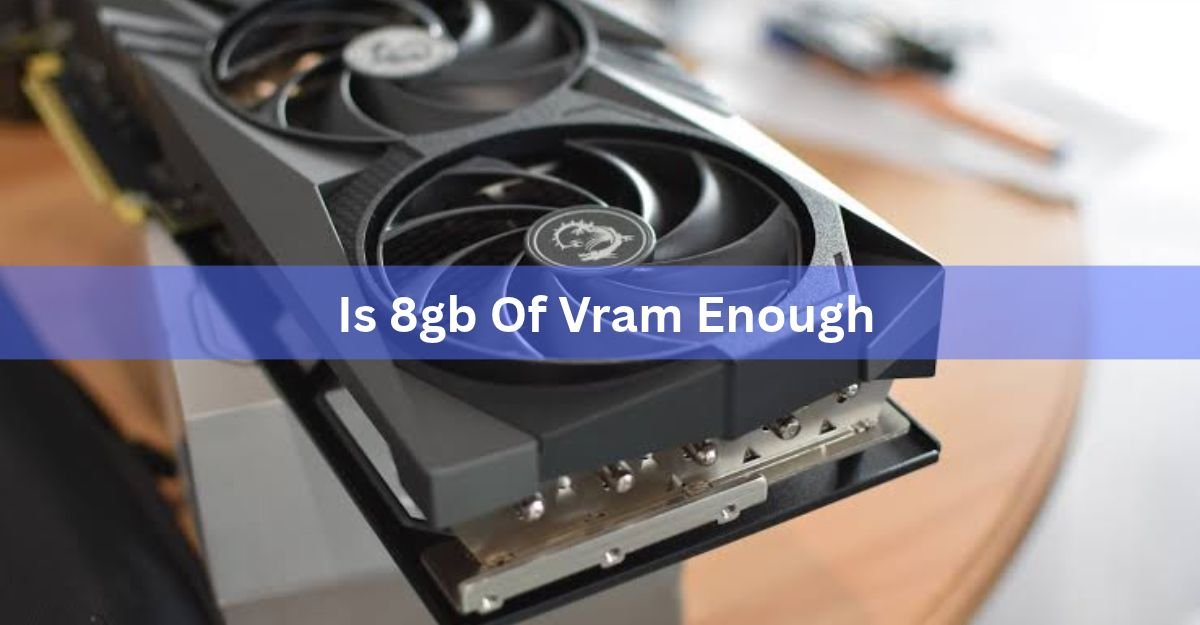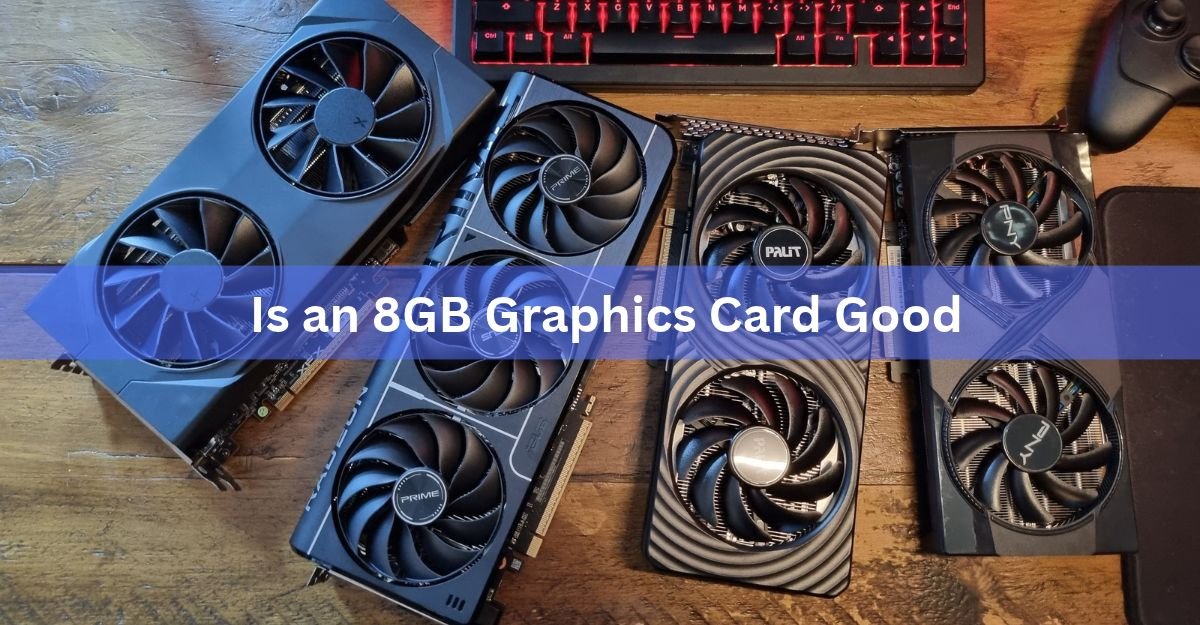
An 8GB graphics card is a good buy if you game at 1080p or do everyday creative work, and it can still manage 1440p when you tune a few settings. It falls short for maxed 1440p, 4K, and heavy ray tracing, where it runs out of memory and starts to stutter. So the honest answer is that it depends on three things: the resolution you play at, the kind of games you play, and how much the card costs you.
This guide sorts out exactly where 8GB is plenty and where it holds you back, so you can match your own setup to the right side of that line. No hype either way, just what the memory does and who it suits in 2026.
What is the 8GB in a graphics card?
The 8GB is the card’s VRAM, the fast memory built onto the card itself. It is the working space the card uses to hold what a game needs right now: textures, 3D models, lighting data, and the frames it is about to draw. When a game wants more than fits in that space, the card has to shuffle data over a slower link, and that shuffle is what you feel as stutter.
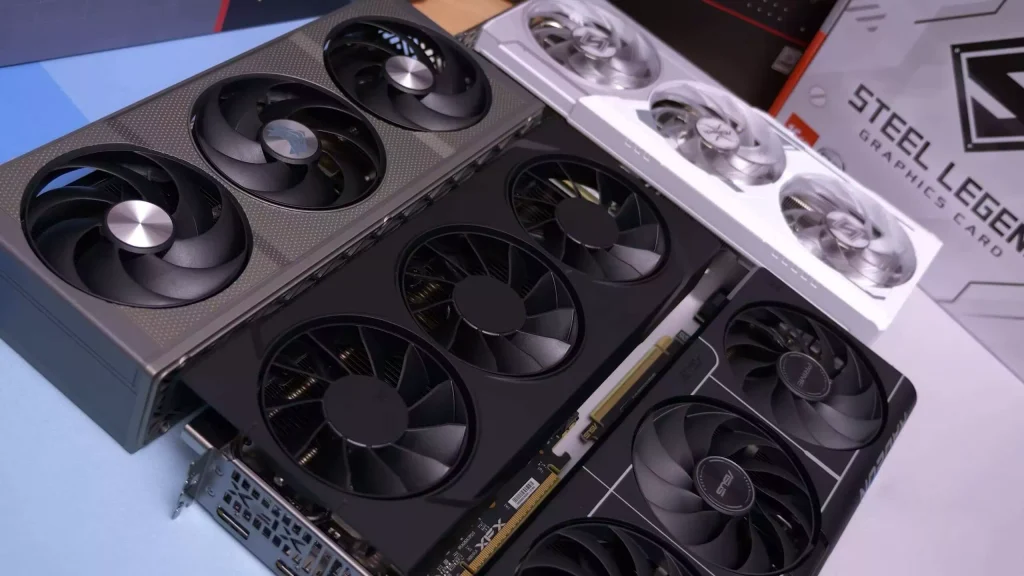
One thing worth getting straight early: 8GB is a measure of how much the card can hold, not how fast it is. Speed comes from the graphics chip, the memory bus width, and the memory type, with newer GDDR7 moving data faster than older GDDR6. That is why two cards can both read 8GB and perform nothing alike.
8GB is a capacity number. It tells you the size of the card’s workspace, not its speed. For real performance, look at the chip and the benchmarks, not just the memory figure.
Is an 8GB graphics card good? The short answer
For 1080p players, yes. An 8GB card runs almost every game smoothly at Full HD, and it is more than enough for competitive titles like Counter-Strike 2, Valorant, and Fortnite, which use only about 4 to 6GB. If that describes how you play, 8GB is not the thing holding you back.
Climb higher and the answer softens. At native 1440p with ultra textures, with ray tracing on, or in some of the newest big games, 8GB fills up. When it does, you get more than lower frame rates. You get stutter, textures that load in a beat late, and jumpy frame pacing, which feels worse than a steady but lower frame rate. Strong at the bottom of the resolution ladder, shaky near the top.
What an 8GB card handles without breaking a sweat
There is a clear group of tasks where 8GB is all you need. If your use lives here, paying more for extra memory buys you almost nothing.
- 1080p gaming: the strongest case by far. Most games run at high or ultra at Full HD without filling 8GB.
- Competitive shooters: CS2, Valorant, Apex Legends, and Rocket League use light memory and reward high frame rates, which these cards deliver easily.
- Older or lighter games: anything that is not a brand-new graphics showcase will feel great.
- Everyday creative work: photo editing, 1080p video editing, and casual 3D fit comfortably inside 8GB.
The numbers back this up. A current card like the RTX 5060 pushes well past 180 FPS in Fortnite and lands around 75 FPS in Cyberpunk 2077 at 1080p. In fast shooters such as CS2, budget 8GB cards clear 300 FPS. Those are the frame rates most players are chasing, not compromises.
Where 8GB runs out of room
Trouble starts when a game needs to keep more on hand than the card can store. Cross that line and the symptoms are easy to spot.
- Texture pop-in: detailed textures load a moment late, so a surface looks blurry before it snaps sharp.
- Stutter and hitching: the average frame rate can look fine while the game hitches every few seconds as it swaps memory.
- Sudden frame drops: in a busy city or a crowded fight, frames can fall off a cliff even when quieter scenes run smoothly.
What triggers it is predictable: native 1440p or 4K with ultra textures, ray tracing in demanding games, and a growing set of new releases built around a bigger memory pool. Some modern games now ask for 12GB in their recommended 1440p settings and 16GB for native 4K, which points clearly to where the bar is moving. In the heaviest memory tests, a 16GB card can pull far ahead of its 8GB twin, not because the chip is stronger, but because the 8GB card is starved.
A high average frame rate can hide a rough experience. On a memory-starved card, the average stays up while the game stutters underneath. Watch the 1% lows, which measure the worst moments, not just the headline number.
8GB, 12GB, or 16GB: what more memory actually buys
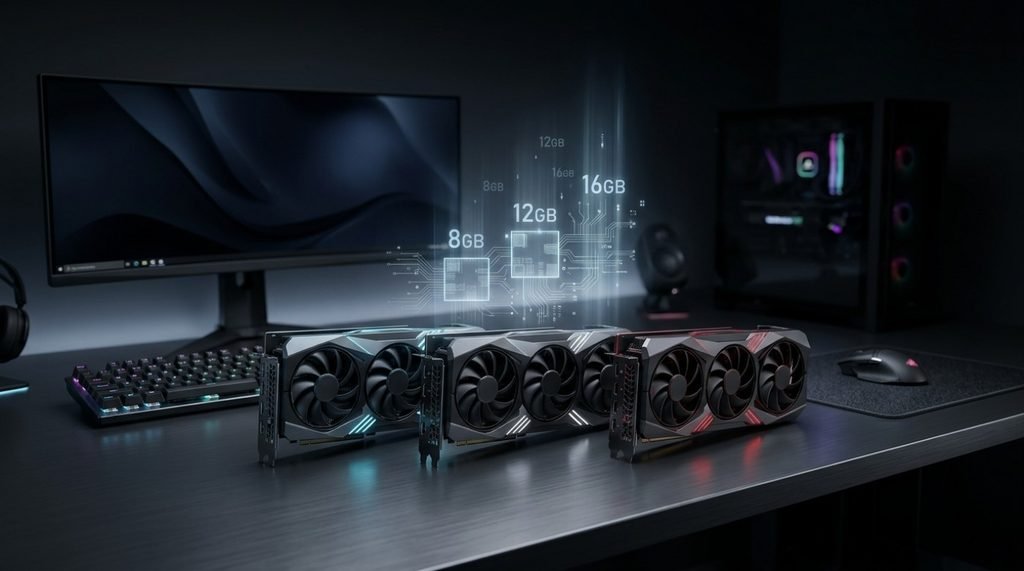
Extra VRAM does not make a card faster on its own. It gives the card room so it does not choke when a game asks for more. Here is who each tier suits.
| Memory | Best for | Struggles with | Pick it if |
|---|---|---|---|
| 8GB | 1080p gaming, esports, light creative work | Maxed 1440p, 4K, heavy ray tracing, newest AAA games | You play at 1080p and want the best value |
| 12GB | 1440p at high settings, most current games | Native 4K with everything maxed | You game at 1440p and want a safe middle ground |
| 16GB | 1440p ultra, entry 4K, ray tracing, longevity | Very little at mainstream resolutions | You want years of headroom and play demanding titles |
The gap between 8GB and 16GB is real, and it is widest exactly where 8GB struggles: high-resolution, texture-heavy scenes. In lighter games the two can post nearly the same numbers. So the extra memory is insurance for the demanding moments, not a blanket speed boost.
For a lot of buyers, 12GB has become the comfortable spot for 1440p, giving real headroom over 8GB without jumping to top-tier prices. On the AMD side, the 16GB version of the RX 9060 XT sat only about $50 above the 8GB model at launch, which made the extra memory an easy call when both were near list price. That small gap is the clearest sign that if your budget can reach it, more memory is often worth it.
What a fair price looks like in 2026
This is where 2026 changes the answer more than any benchmark does. A memory shortage has pushed graphics card prices up across the board, because the same fast memory used on gaming cards is being pulled toward AI data centers, where it earns more. The memory has become the expensive part of the card.
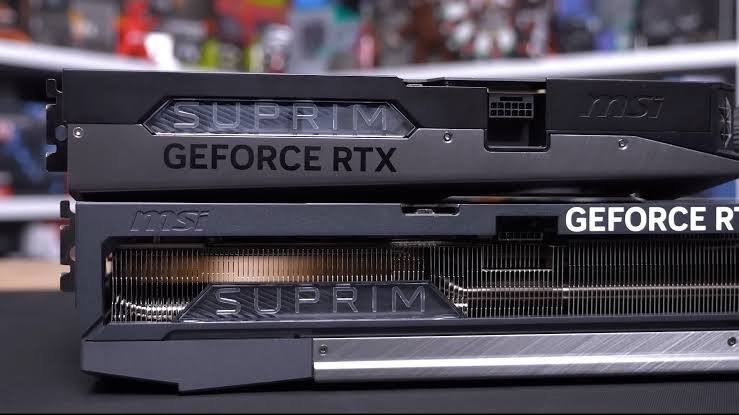
That squeeze hits value directly. Between June and August 2026, the RTX 5060’s typical street price climbed roughly 27 percent, moving from around $370 to near $470 at some retailers, though it can still turn up closer to its $299 launch price on a good day. The 16GB version of the RTX 5060 Ti spiked far harder, past $800 at points, because doubling the memory now piles onto the priciest ingredient.
The practical rule is a value ceiling. An 8GB card is a solid buy near its launch price, roughly the $250 to $350 range for a current model. Paying a steep premium for 8GB, especially close to what a 12GB or 16GB card would cost in calmer times, is where the deal stops making sense. At that point you are paying flagship money for entry-tier memory. Because prices are moving week to week, it is worth checking a live listing before you commit, such as the GeForce RTX 5060 product page.
Get more life out of an 8GB card
If you already own an 8GB card, or you buy one and want it to last, a few habits stretch that memory a long way. None need new hardware.
- Drop texture quality one notch: textures eat the most VRAM by far, and going from Ultra to High often looks nearly identical while freeing a big chunk of memory.
- Turn on upscaling: features like DLSS and FSR render the game at a lower internal resolution and then scale it up, cutting memory use and lifting frame rates at once.
- Skip native 4K: keep the card at 1080p, or 1440p with tuned settings, and it stays inside its comfort zone.
- Ease off ray tracing: ray tracing is one of the biggest memory hogs, so turning it down or off is the fastest way to reclaim headroom.
- Close background apps: browsers with many tabs and overlays quietly claim VRAM, so a clean system leaves more for the game.
With this approach, most current games stay very playable on 8GB. You trade a little visual polish for smooth performance, which is a fair deal when the alternative costs a lot more. AMD’s own Radeon Software makes several of these tweaks quick to apply for Radeon cards.
Should you buy 8GB? A quick gut check
It comes down to a short list. An 8GB card is a smart pick if most of these sound like you:
You game mainly at 1080p, or you play competitive titles where frame rate beats ultra textures.
Your budget is tight and you want the most performance per dollar.
You are fine adjusting a few settings instead of maxing everything.
You can find the card near its normal launch price, not at a heavy markup.
Lean toward more memory if you game at 1440p or 4K, you want ray tracing on in the newest releases, you plan to keep the card for many years without touching settings, or you do heavy creative work like large video projects or complex 3D scenes. In those cases the headroom of a 12GB or 16GB card pays for itself in fewer compromises later on.
Frequently asked questions
Is 8GB VRAM enough for gaming in 2026?
For 1080p, yes. Most games run smoothly at high settings and esports titles fly. At native 1440p ultra, 4K, or with heavy ray tracing, 8GB fills up and stutters, so it depends on your resolution.
Is an 8GB graphics card good for 1440p?
It can work at 1440p with tuned settings and upscaling like DLSS or FSR. For maxed 1440p with ultra textures and ray tracing, though, 12GB or more gives a smoother, more consistent experience.
Should I get 8GB or 16GB?
Choose 8GB for 1080p gaming on a tight budget. Choose 16GB if you play at 1440p or 4K, want ray tracing in new games, or plan to keep the card for years. The extra memory is insurance for demanding scenes.
Why does my 8GB card stutter in some games?
The game is asking for more memory than the card can hold, so it swaps data over a slower path. Lower texture quality one notch, turn on upscaling, or ease off ray tracing to fix it.
How much should an 8GB graphics card cost?
Aim for roughly $250 to $350 for a current model near its launch price. Prices rose through 2026 from a memory shortage, so paying a large premium for 8GB, near what a 16GB card once cost, is poor value.
Conclusion
An 8GB graphics card is good if you play at 1080p, enjoy competitive games, or do light creative work, and you buy it near its normal price. It is the wrong pick for maxed 1440p, 4K, or heavy ray tracing, where the memory runs out and stutter creeps in. Match the card to your resolution and budget, watch today’s inflated prices, and a good result is smooth, steady gameplay without paying flagship money for entry-tier memory.
Related Post:
Are All GPUs Compatible With All Motherboards?
Is 16GB VRAM Enough for 1440p Gaming?
When Will Nvidia Release the RTX 6000 Series?
Is a 3050 Graphics Card Good? An Honest Answer for 2026
Unsupported GPU Processing Mode in DaVinci Resolve: How to Fix It