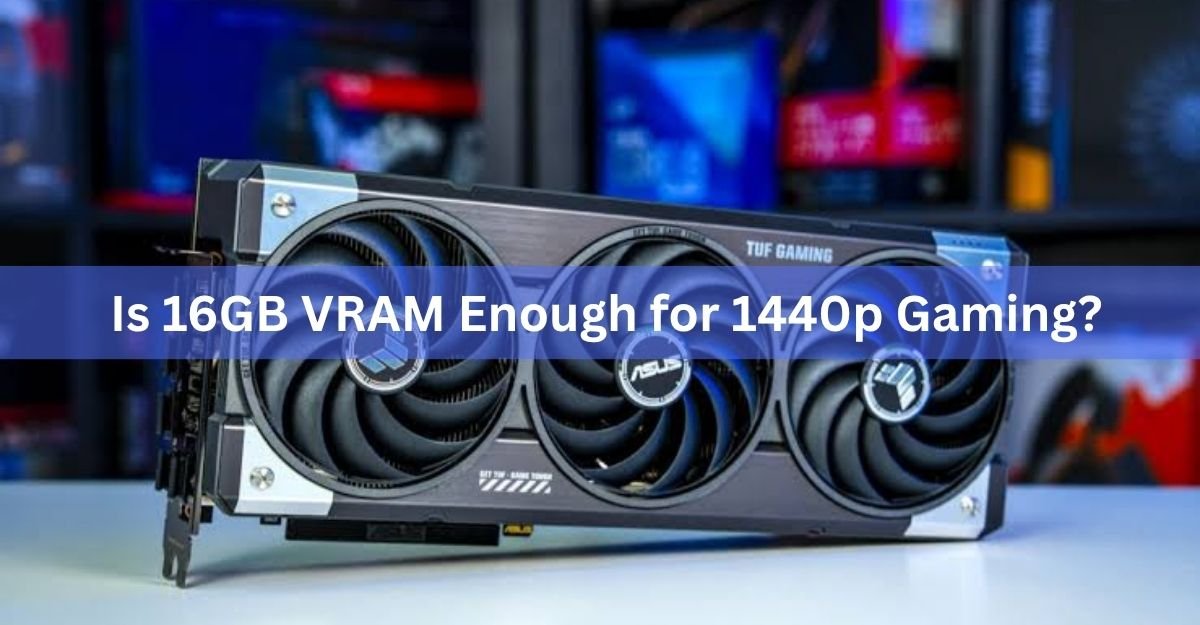
Yes, 16GB VRAM is more than enough for 1440p gaming right now. It covers ultra settings, ray tracing, and DLSS or FSR frame generation in every current release, with room left over. You would need to chase native 4K with maxed-out texture packs and heavy ray tracing before 16GB starts to feel tight.
VRAM is only one number on a spec sheet, though, and it does not tell the whole story by itself. Here is how much 1440p games actually use, what happens when a card runs short, and which 16GB cards make sense if you are buying one now.
How much VRAM do 1440p games actually use?
Most 1440p games sit comfortably under 10GB at high or ultra settings, even with ray tracing switched on. Alan Wake II uses around 8GB at 1440p on the high preset, and turning on ray tracing pushes that past 10GB. Hogwarts Legacy runs cleanly on 12GB at 1440p at any quality setting, ray tracing included, without stutters or missing textures. Ghost of Tsushima stays under 10GB at 1440p in most configurations, and only edges higher once frame generation is layered on.
Heavier titles push closer to the edge. Cyberpunk 2077 and Indiana Jones and the Great Circle can reach 12 to 14GB at 1440p once you stack ultra textures, ray tracing, and frame generation on top of each other, since frame generation itself reserves extra memory to store the frames it interpolates. Even in those cases, a 16GB card still has a couple of gigabytes to spare, which is exactly the buffer that keeps frame times smooth instead of spiky.
It helps to separate what a game allocates from what it strictly needs. Modern engines will often claim more VRAM than the scene actually requires, simply because the memory is sitting idle and available. A card only runs into real trouble when the game needs more than the card physically has, which is a different threshold than whatever number shows up in a monitoring overlay.
Memory bandwidth matters as much as the VRAM number
Capacity is only half the picture. How fast data moves in and out of that memory pool matters just as much, and that comes down to memory type and bus width rather than the gigabyte figure printed on the box. GDDR7 cards move data noticeably faster than GDDR6 cards at the same bus width, which is part of why two different 16GB cards can feel different in the same game even though their capacity is identical.
This is also why VRAM size alone is a poor way to compare cards across a full generation gap. A 16GB card from a newer architecture can outrun an older 16GB or even 20GB card, because the bottleneck was never really the capacity number to begin with.
What happens if you run short on VRAM?
Running out of VRAM rarely means a crash. What you notice first is stuttering: the game keeps running, but frame times spike every time it has to swap textures in and out of memory faster than the bus can move them. Next comes texture pop-in, where surfaces load in at low resolution and sharpen a beat late, or do not load in fully at all. In the worst cases, textures go missing entirely and objects render as flat, untextured shapes.
None of this shows up as a hard error, which is what makes a VRAM shortfall confusing to diagnose. Frame rate can look fine in an overlay while the game still feels rough, because the bottleneck is memory swapping, not raw GPU power.
Is 16GB overkill, or is 12GB actually enough?
For most people, 12GB is enough for 1440p gaming today. It handles the large majority of current titles at high or ultra settings without issue, and it is the memory size on cards like the RTX 5070. Where 12GB starts to feel restrictive is when you stack several demanding settings at once, such as ultra textures, ray tracing, and frame generation running together in a genuinely heavy game.
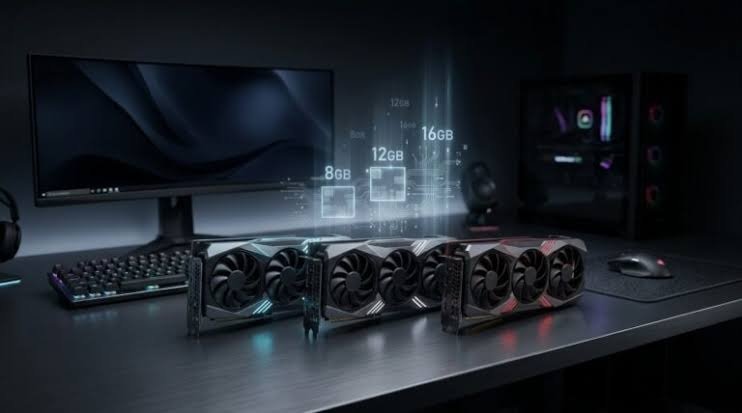
16GB is not overkill for the same reason. It is the point where you stop having to compromise on any one of those settings to protect frame times, and where you get a longer runway before the next wave of AAA games nudges VRAM requirements up again. Past 16GB, the returns flatten out for 1440p specifically. Cards with 20GB, 24GB, or more earn their keep at native 4K with maximum settings, or in local AI workloads, not in driving a 1440p monitor.
| VRAM | 1440p experience today | Where it starts to strain |
| 8GB | Fine on high settings in most games | Ultra textures plus ray tracing in newer AAA titles |
| 12GB | Handles high and ultra settings in nearly everything | Ray tracing and frame generation stacked together |
| 16GB | Ultra settings, ray tracing, and frame generation together | Native 4K with maximum texture packs |
Which 16GB cards work well at 1440p?
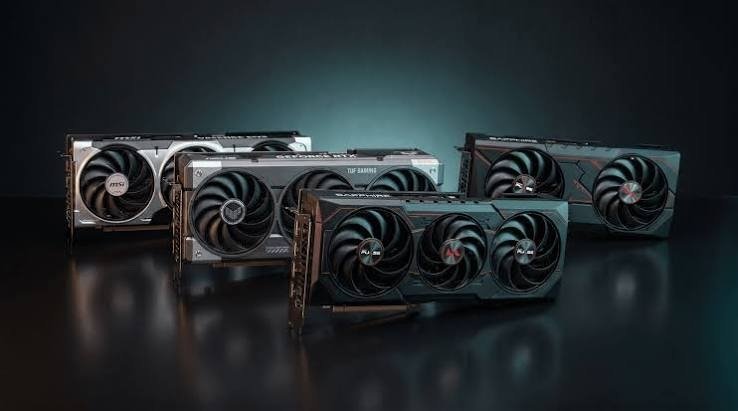
A handful of current graphics cards pair 16GB of memory with enough raw performance to actually put it to use at 1440p. The RTX 5070 Ti carries 16GB of GDDR7 on a 256-bit bus for 896GB/s of bandwidth, which is plenty of both capacity and speed for 1440p ultra settings with ray tracing on. You can see the full memory and bus specs on this 16GB RTX 5070 Ti listing.
On the budget side, the RTX 5060 Ti 16GB pairs the same memory size with a smaller GPU, trading some raw speed for a memory buffer that is usually reserved for pricier cards. It is a sensible pick if you want the memory headroom without paying for the fastest chip on the shelf. AMD’s RX 9070 XT ships with 16GB of GDDR6 on a 256-bit bus and tends to lead in traditional rasterized games at 1440p, while trading blows with Nvidia on ray tracing and DLSS 4 upscaling. Either brand gets you the same practical result: a 1440p setup that is not held back by memory, so the choice between them comes down to price, ray tracing performance, and which upscaling tech you prefer, not VRAM capacity.
Does ray tracing or upscaling change the VRAM math?
Ray tracing adds VRAM overhead on top of the base game, because it needs extra data structures to trace light paths in real time. Depending on the title, that can add 1 to 3GB over the same scene rendered without it.
Upscaling tools like DLSS and FSR actually reduce VRAM use in their normal mode, since the GPU renders at a lower internal resolution and reconstructs detail. Frame generation is the exception. Multi Frame Generation and FSR frame generation both hold extra frame buffers in memory to interpolate between real frames, which typically costs another 1 to 2GB. Run ray tracing and frame generation together at 1440p ultra, and a 12GB card is exactly where the stutters described above start to show up. A 16GB card absorbs that combination without much trouble.
Will 16GB still be enough for 1440p in a few years?
16GB should stay comfortable for 1440p for the next several years. It is already the standard memory size on new midrange cards from both Nvidia and AMD, which means developers are optimizing around that number rather than treating it as a luxury tier. Texture and asset sizes will keep creeping up as game worlds get more detailed, but that trend has historically moved slowly enough that a 16GB card bought today should handle new releases through most of its useful life at 1440p.
The bigger factor in how long any card lasts is usually raw GPU compute, not VRAM. A 16GB card with weaker core performance will hit its frame rate ceiling in a demanding game well before it hits its memory ceiling.
Frequently asked questions
Is 12GB VRAM enough for 1440p gaming?
Yes, for most games. 12GB handles high and ultra settings in the large majority of 1440p titles. It can start to strain only when ray tracing and frame generation run together in the heaviest AAA releases.
Does more VRAM increase FPS?
Not directly. VRAM stores data rather than processing it, so extra capacity does not raise frame rates on its own. It matters when a game needs more memory than the card has, which causes stutters and pop-in instead of smooth performance.
Is 16GB VRAM enough for 4K gaming?
Generally yes for now. 16GB is a solid target for 4K at high or ultra settings. Native 4K with maximum texture packs and heavy ray tracing is where 16GB starts to feel tighter than it does at 1440p.
Should I get 12GB or 16GB for a 1440p build?
Get 16GB if the price difference is small or you plan to keep the card for several years. Get 12GB if you are on a tighter budget and mainly play games without heavy ray tracing or frame generation stacked on top.
Can too much VRAM be a waste of money?
Yes, if it comes at the cost of GPU performance. A card with 24GB of VRAM but a weaker chip will still hit its frame rate limit in demanding 1440p games, so it is better to prioritize a balanced card over chasing memory size alone.
Conclusion
16GB VRAM is enough for 1440p gaming, both today and for the next several years. It handles ultra settings, ray tracing, and frame generation together without the stutters or texture pop-in that show up on 8GB and sometimes 12GB cards in the heaviest titles. A good result looks like this: stable frame times, textures that load in fully and stay sharp, and no need to dial back settings just to protect your memory buffer.
Related Post:
Unsupported GPU Processing Mode in DaVinci Resolve: How to Fix It
Do You Need to Uninstall Drivers When Upgrading Your GPU?
What Are Good Temps for a CPU and GPU? Safe Ranges for Idle, Gaming, and Heavy Loads
Do I Need a GPU Support Bracket? A Plain Answer by Card Weight