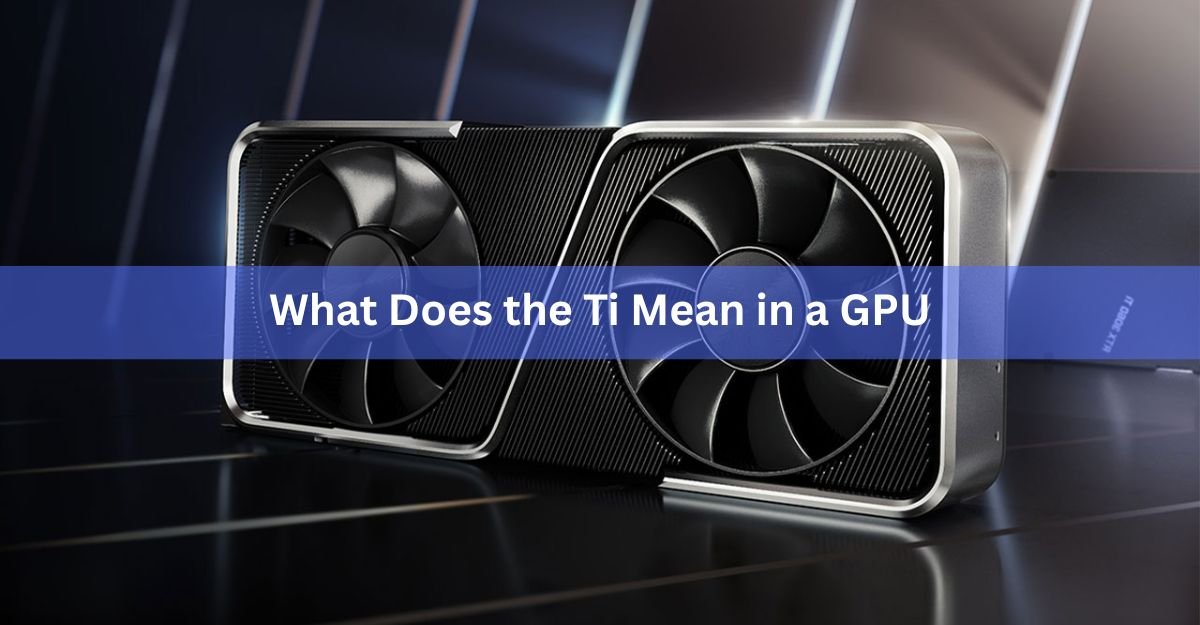
Ti in a GPU is a Nvidia label that marks a faster, upgraded version of a standard graphics card in the same family. An RTX 5070 Ti, for example, is quicker than a plain RTX 5070 because it has more cores and more memory. You only see Ti on Nvidia cards. AMD and Intel do not use it.
If you are shopping for a graphics card and keep bumping into names like 3060 Ti, 4070 Ti, and 5070 Ti, this guide breaks down what the two letters change, where the name came from, and whether the extra money is worth it.
Does Ti stand for Titanium?
Yes. Ti comes from Titanium, the metal, and Nvidia styles it exactly like the element’s symbol on the periodic table. The card is not made of titanium, and the letters are not a spec you can measure. Nvidia chose the name to hint at strength and speed, the same way titanium suggests a tough, high-end material.
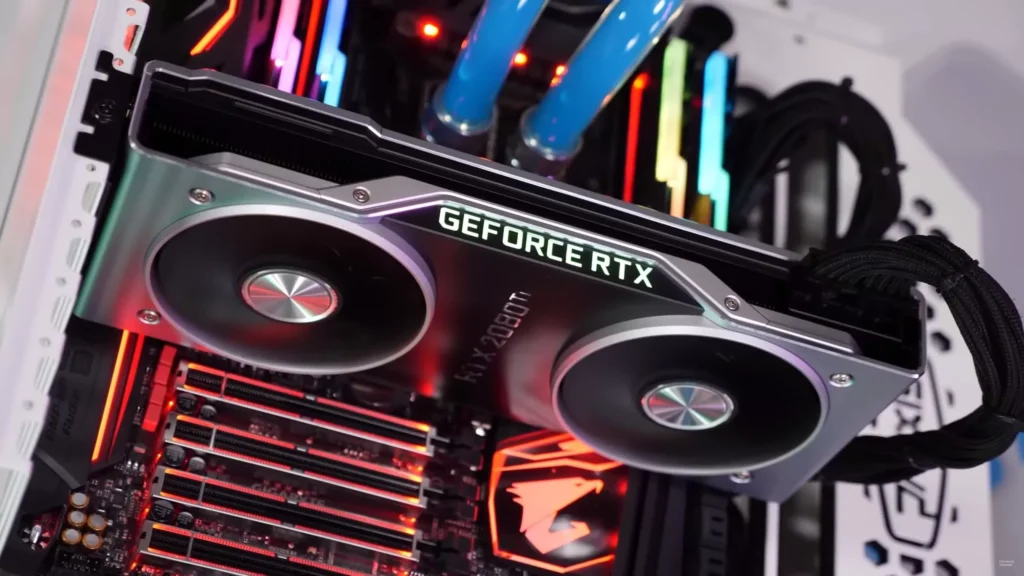
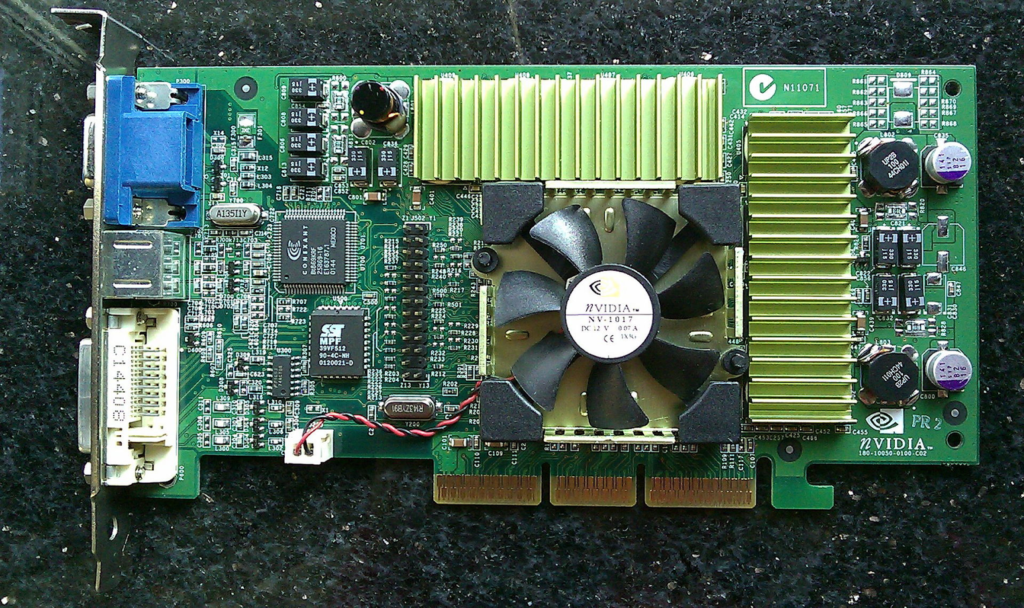
The tag is old. Nvidia first used Ti back in 2001 on the GeForce 3 Ti and GeForce 2 Ti, where it marked the fastest chips of that era. It faded for a while, then came back as the modern “one step up” badge you see across the RTX line today.
What is actually better in a Ti card?
A Ti card is not just a higher clock speed with a fancy name. It is usually a different, more capable chip. The gains are real, and they tend to show up in the same few places every generation:
- More CUDA cores. These are the small processors that do the heavy lifting for graphics. More cores means more frames per second and faster rendering.
- More VRAM. Ti cards often carry extra video memory, which helps at higher resolutions and with big game textures or creative files.
- A wider memory bus and higher bandwidth. This lets the card move data faster, so it can feed those extra cores without choking.
- Higher power draw. More performance needs more watts, so a Ti usually wants a slightly beefier power supply.
The exact upgrade changes from model to model. Nvidia does not follow one fixed recipe, so the only way to know a specific card is to compare the two side by side.
| Quick tip: A Ti model is often closer in performance to the next tier up than to its own non-Ti sibling. A 3060 Ti, for instance, sits much nearer a 3070 than a plain 3060. |
Ti vs non-Ti: a real example
Numbers make this clearer than words. Here is how the current RTX 5070 stacks up against the RTX 5070 Ti, both built on the same Blackwell generation:
| Spec | RTX 5070 | RTX 5070 Ti |
|---|---|---|
| CUDA cores | 6,144 | 8,960 |
| VRAM | 12 GB GDDR7 | 16 GB GDDR7 |
| Memory bus | 192-bit | 256-bit |
| Memory bandwidth | 672 GB/s | 896 GB/s |
| Power draw (TGP) | 250W | 300W |
| Launch price (MSRP) | $549 | $749 |
The Ti has about 46 percent more CUDA cores, a third more memory, and a wider bus to match. In real games that works out to roughly 20 to 30 percent more performance, with the biggest gains at 4K where the extra VRAM and bandwidth matter most. You pay about $200 more at launch prices for that jump. You can always confirm the exact figures on Nvidia’s GeForce RTX 5070 family page before you buy.
How Ti fits next to Super
Nvidia has two “better version” tags, and they are easy to mix up. Ti is the long-running one. Super arrived in 2019 as a mid-cycle refresh, often bringing a small speed or memory bump to an existing card partway through a generation.
Think of it as a ladder. The plain card sits at the bottom of its number, the Super or Ti sits above it, and sometimes you even get a Ti Super that stacks both. The rule of thumb still holds: a higher model number usually beats a Ti of a lower number. A 5070 Ti is stronger than a 5070, but a 5080 is stronger than the 5070 Ti.
Should you pay more for a Ti card?
It depends on your screen and your budget. A Ti makes the most sense if you play at 1440p or 4K, keep your card for several years, or do creative work like video editing and 3D rendering that leans on extra memory. The higher VRAM alone can be the deciding factor for long-term use.
A non-Ti card is the smarter buy if you game at 1080p, want to spend less, or run a smaller case with a modest power supply. Non-Ti cards use the same features, so you still get DLSS, ray tracing, and everything else Nvidia offers. You are only giving up raw speed.
One practical note: prices swing a lot. If a Ti is only a little more than the standard card, the upgrade is usually easy to justify. If it costs almost as much as the next tier up, the value gets shaky fast. Check the real checkout price, not just the launch MSRP, before you decide.
Frequently asked questions
Is a Ti graphics card always better than the non-Ti version?
Yes, within the same model number. A 5070 Ti always outperforms a plain 5070. But a higher number without Ti, like a 5080, will usually beat a Ti of a lower number.
Do AMD and Intel use the Ti label?
No. Ti is Nvidia-only. AMD uses tags like XT and XTX on its Radeon cards, and Intel uses its own Arc naming, so you will never see Ti on those.
Is a Ti card made of titanium?
No. The name is marketing. The letters borrow titanium’s periodic-table symbol to suggest strength and speed, but the card is built from the same materials as any other GPU.
What is the difference between Ti and Super?
Both mark an upgraded card. Ti is the long-running tier above a base model. Super is usually a mid-generation refresh that adds a small speed or memory boost. Some cards combine both as a Ti Super.
Is a Ti worth it for 1080p gaming?
Usually not. At 1080p a standard card has plenty of power for most games. Ti models pay off more at 1440p and 4K, where the extra cores and memory get used.
Conclusion
Ti is Nvidia’s badge for a stronger version of a graphics card in the same generation, thanks to more cores, more memory, and more bandwidth, at a higher price. Buy the Ti if you game at 1440p or 4K, do creative work, or plan to keep the card a long time. Stick with the non-Ti for 1080p or a tighter budget. A good result is matching the card to your screen without overpaying for speed you will not use.
Related Post:
How to Change Thermal Paste on a GPU (Step-by-Step)
Should You Turn On Hardware-Accelerated GPU Scheduling?
Performance Scaling on GPU or Display: Which Should You Pick?
Why Your GPU Is Not Showing in Task Manager (and How to Fix It)
![Fix GPU memory leak [Forge/Fabric]: what it does and how to install it](https://nobelspot.com/wp-content/uploads/2026/08/GPU-Fan-Speed-33.jpg)