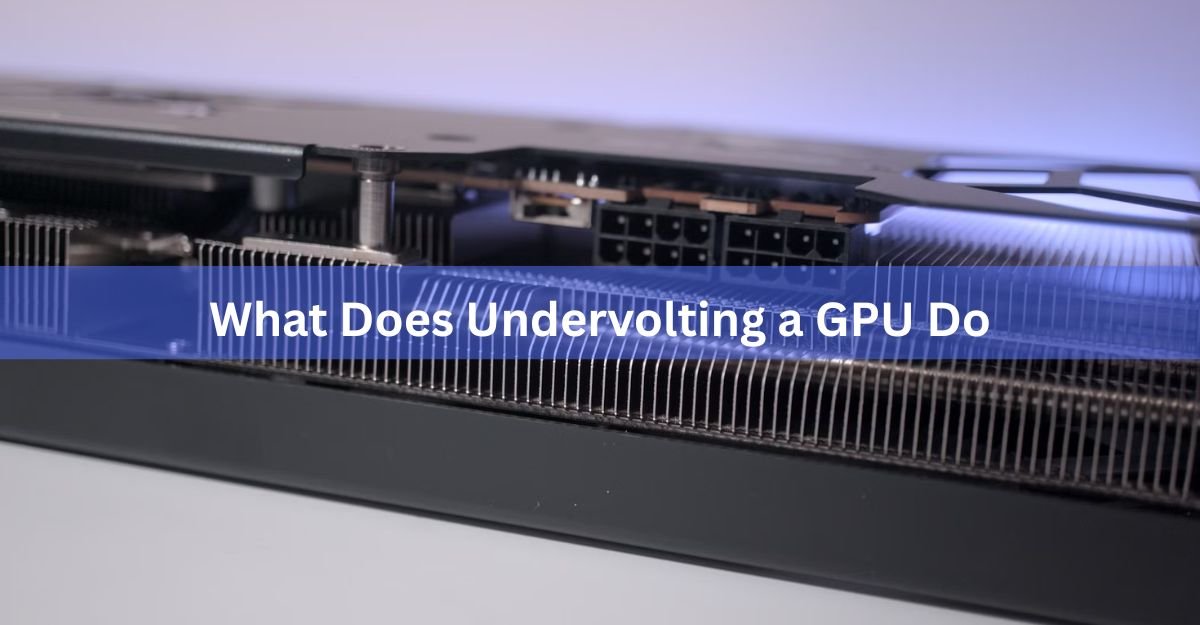
Undervolting a GPU lowers the voltage fed to the graphics chip so it runs cooler and uses less power, while holding almost the same clock speeds and frame rates. In short, you get a quieter, more efficient card without giving up meaningful performance. Sometimes it even runs a little faster.
That sounds too good to be true, so it helps to know why it works. Below is what undervolting actually does inside your card, the real gains you can expect, the honest trade-offs, and how it differs from overclocking.
What does undervolting a GPU do?
Every graphics chip needs a certain voltage to run at a given speed. Card makers set that voltage on the high side so every unit they sell stays stable, even the weakest chips coming off the line. Your specific card almost always runs fine on less voltage than it left the factory with.
Undervolting is the act of dialing that voltage back down while keeping the same clock speed. Voltage is the electrical pressure pushing through the chip, and clock speed is how many cycles per second the chip runs at, measured in megahertz. You are telling the card to hit the same speed on a smaller push of power.
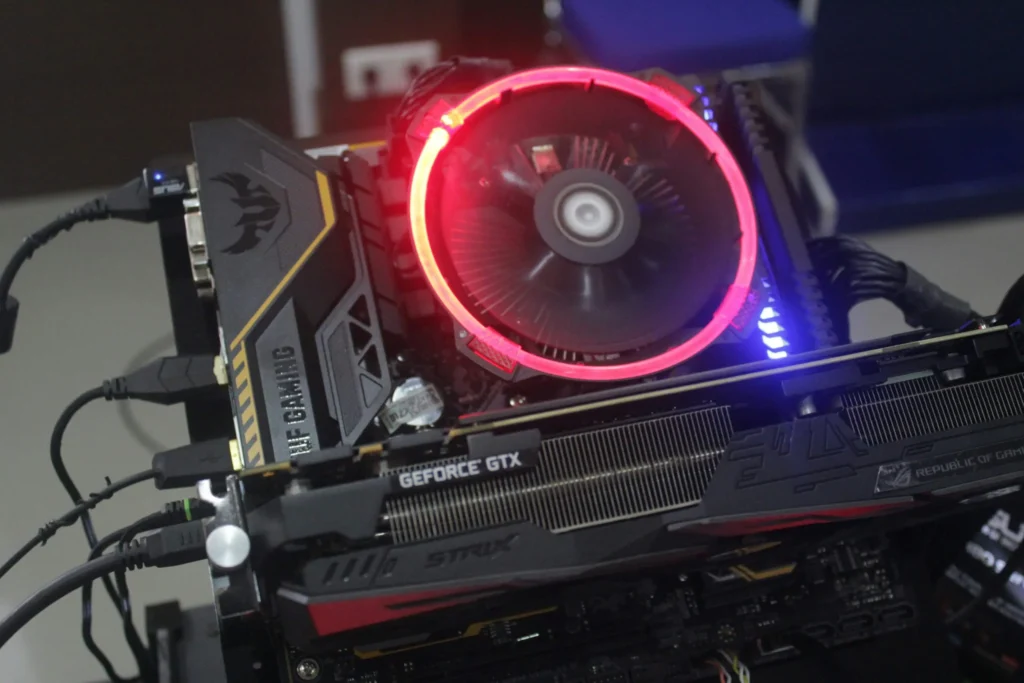
Less voltage means less power drawn, and less power means less heat. Because the chip runs the same clocks, your games and apps perform almost exactly as before. The whole point is efficiency: the same work for less energy and less heat.
It helps to understand why that spare headroom exists in the first place. A card maker cannot test every single chip and hand-tune it. They sell millions of them, and the quality of the silicon varies from one chip to the next. To guarantee that even the weakest chip stays rock solid in every possible workload, they set one voltage that is safe for all of them. That safe setting is more than most chips need, and undervolting simply claims back the difference your particular chip was never going to use.
Think of it like easing off the gas on the highway. You hold the same speed, but the engine works less hard, burns less fuel, and runs cooler. Undervolting does that for your graphics card.
What actually happens when you lower the voltage
The reason undervolting pays off so well comes down to basic physics. The power a chip burns rises with the square of its voltage. In plain terms, the power a chip uses goes up much faster than the voltage does, so cutting voltage a little cuts power a lot.
So a 10 percent drop in voltage does not shave 10 percent off power draw. It cuts closer to 20 percent, because of that squared relationship. This is the same idea behind the power-saving features already built into every modern CPU and GPU, where the chip constantly nudges its own voltage and speed up and down to save energy.
Here is the chain of events once you apply a lower voltage:
- The chip draws less current to hit the same clock speed.
- Lower current means the card burns fewer watts under load.
- Fewer watts means less waste heat, so the core temperature falls.
- Cooler temperatures let the fans spin slower, so the card runs quieter.
- With more thermal room, the card can often hold its top boost clock for longer instead of throttling.
That last point is the surprise. Modern cards adjust their own speed based on temperature. When a card gets too hot it throttles, meaning it drops its clock speed on its own to cool down. A cooler card throttles less, so in some cases undervolting actually raises your real-world frame rates, especially during long sessions.
The real benefits: cooler, quieter, cheaper, sometimes faster
The gains from undervolting are easy to measure, and they show up right away. Here is what you can realistically expect on a current card.
| Benefit | Typical result | Why it matters |
|---|---|---|
| Lower temperature | 5 to 15 C cooler under load | Less thermal stress, more stable performance |
| Lower power draw | 30 to 80 W saved on high-end cards | Smaller electricity bill, less heat in the room |
| Quieter fans | Fans spin slower or stay off longer | No jet-engine noise during demanding games |
| Steadier clocks | Fewer throttling dips | More consistent frame rates, better 1% lows |
| Longer lifespan | Cooler parts age slower | Your card and its fans last longer |
Cooler and quieter
Temperature is the benefit you notice first. Drops of 5 to 15 C under load are common, and aggressive undervolts on some cards reach 20 C or more. High-end cards run hot out of the box, often sitting in the 70 to 80 C range while gaming even with big triple-fan coolers, so pulling a few degrees off makes a real difference.
Cooler temperatures feed straight into noise. Fans follow a curve tied to heat, so a cooler card keeps its fans slower, or off entirely, for longer. For many people this quieter running is the single most welcome change, more than any number on a chart.
Lower power and lower bills
The power savings are just as concrete. High-end cards are power hungry, and that is the main reason they run hot. The RTX 4090 has a rated power draw of 450 watts, and the newer RTX 5090 can pull up to 575 watts. A typical undervolt trims 30 to 80 watts off a card like that under full load.
On its own, a 50-watt saving will not transform your electricity bill. But if you game or render for several hours a day, it adds up over a year, and it also means less heat dumped into your room, which is a real bonus in summer or in a small space.
There is a quieter long-term benefit too. Heat is what wears hardware down. The fans, the thermal paste, and the tiny power components on the board all age faster when they sit at high temperatures for years. A card that runs cooler puts less strain on all of them, so undervolting is a gentle way to help your graphics card, and its fans, last longer than they otherwise would.
Sometimes a little faster
Undervolting is not built to raise frame rates, and most of the time your average frames per second land within a percent or two of stock. The value is consistency, not a bigger number. That said, if your card was throttling from heat before, giving it room to breathe can lift your 1% and 0.1% lows, the brief dips that you feel as stutter. Smoother is often better than faster.
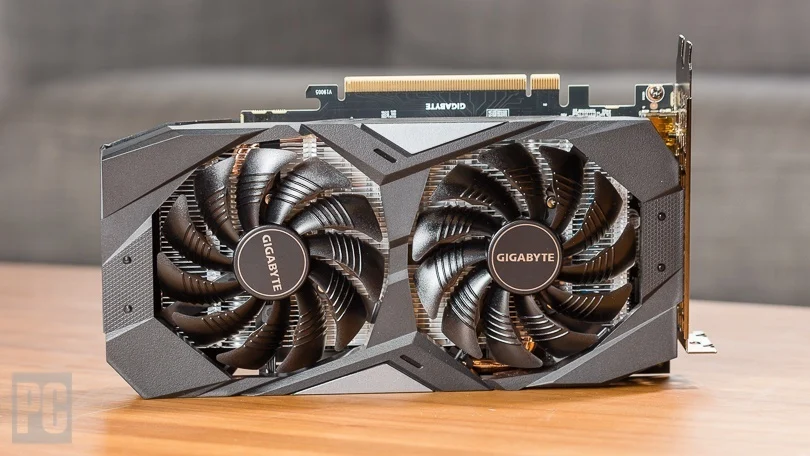
This matters most in long sessions and in warm rooms. A card that runs cool from the first minute behaves the same in hour three as it did in minute one. A card that was creeping toward its temperature limit slowly loses speed as it heats up, so the longer you play, the more the gap shows. Undervolting closes that gap, which is why the benefit often feels bigger in practice than a single benchmark run suggests.
Is undervolting safe? The honest trade-offs
Undervolting is one of the safer things you can do to a graphics card. Unlike overclocking, you are asking the card to do less electrically, not more, so you are not pushing it past its limits or forcing extra heat and voltage through it. Lower voltage does not damage the chip.
The real trade-off is stability, not damage. Push the voltage too low and the chip no longer has enough power to run cleanly. When that happens you get crashes, a black screen, visual glitches called artifacts, or a game that closes on its own. The fix is simply to raise the voltage back up a notch. Nothing breaks.
Two things are worth knowing before you start:
- The silicon lottery. No two chips are identical. The exact same card model can undervolt beautifully for one person and barely at all for another, because each chip has slightly different quality. Your results are yours alone, which is why testing matters.
- Stability testing takes patience. Finding your card’s floor means lowering voltage step by step and testing each setting. A crash during testing is normal and harmless, just a sign you went one step too far.
One more note on warranties. Undervolting through software does not physically alter your card, and settings reset when you close the tool or restart. Even so, tuning of any kind can technically fall outside a manufacturer’s warranty terms, so it is worth a quick check if that matters to you. For most people the risk is minimal, since nothing about the card is permanently changed.
The worst realistic outcome of undervolting is a game crash that tells you to nudge the voltage back up. There is no explosion, no melted card, and no permanent harm. That is why so many people undervolt every card they own.
Undervolting vs overclocking vs raising the power limit
These three often get lumped together, but they pull in different directions. Knowing the difference makes it clear why undervolting has become so popular.
| Approach | What it does | Effect on heat and power | Best for |
|---|---|---|---|
| Undervolting | Same speed, less voltage | Lower heat, lower power | Efficiency, quiet, cooler running |
| Overclocking | Higher speed, more voltage | More heat, more power | Squeezing out extra performance |
| Power limit cut | Caps total watts allowed | Lower heat, lower power, small speed loss | Quick, no-fuss efficiency |
Overclocking chases a higher number by feeding the card more speed and usually more voltage, which means more heat and more power. It can add roughly 5 percent to performance, but on today’s fast cards that gain is often too small to feel in real games, and it works the card harder.
Undervolting goes the other way. It keeps performance flat and cuts the heat and power instead. On modern high-end cards that already run hot, this trade tends to make more sense than chasing a few extra frames you will not notice.
There is also a middle path. Lowering the power limit, a single slider that caps how many watts the card may use, gets you cooler and quieter with almost no effort, at the cost of a small dip in speed. It is the least technical option and a fine place to start if voltage curves feel intimidating.
How undervolting is done (a short overview)
You do not need to open your PC or buy anything. Undervolting is done entirely in free software, and the whole process is reversible. Here is the shape of it, so you know what you are getting into.
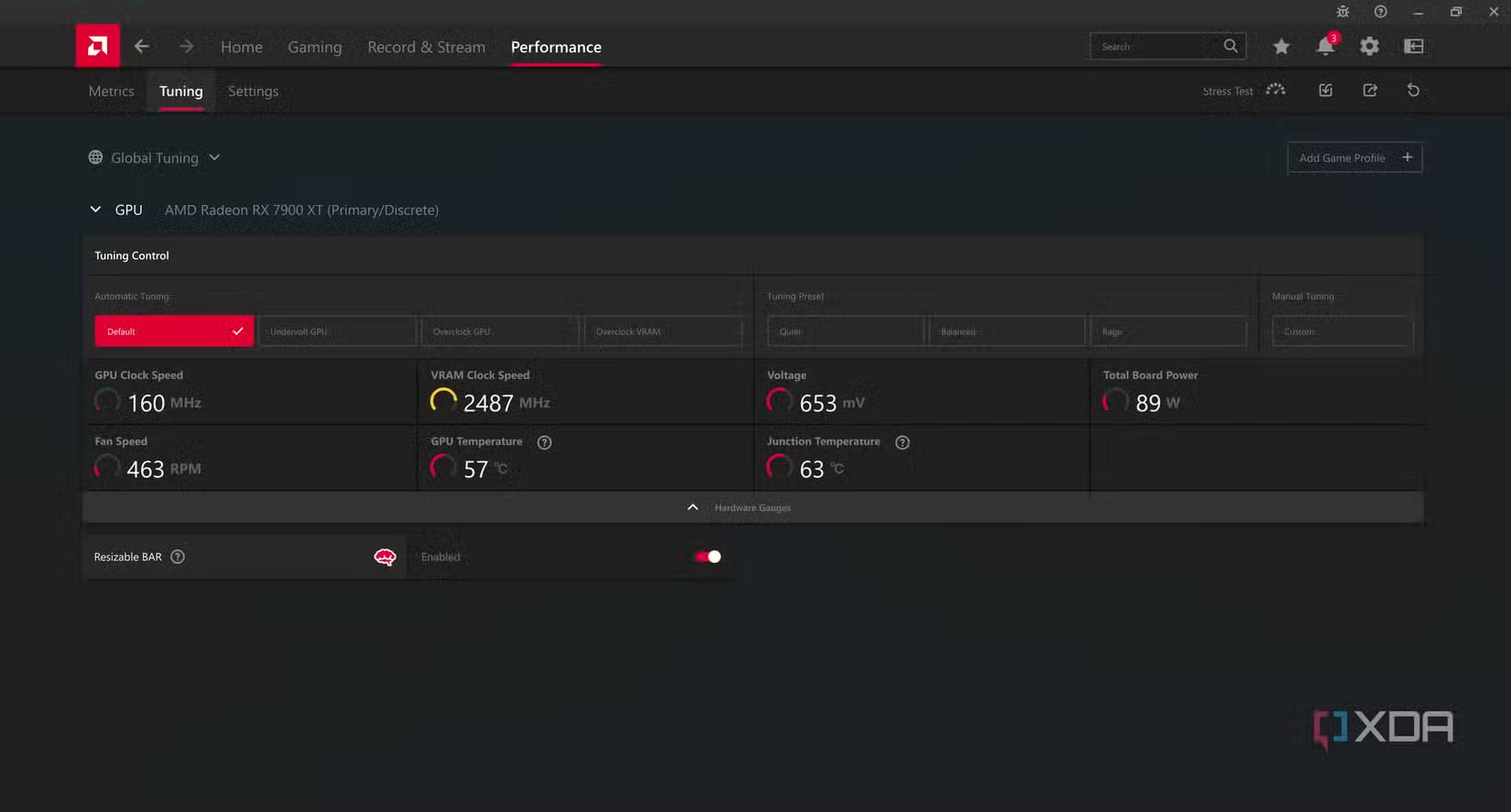
For NVIDIA cards, and most AMD cards too, the standard free tool is MSI Afterburner overclocking and undervolting guide, which works on nearly any card from either brand. AMD owners also have a built-in option inside AMD’s own Adrenalin driver software, under the Performance and Tuning menus, so no extra download is needed.
Laptop owners can undervolt too, and the thermal payoff is often even bigger because laptops have far less room to move heat away. The method is the same voltage-curve approach in Afterburner. The catch is that some laptop makers lock the voltage controls, so the tool may show the curve but refuse to apply changes. Use small steps and keep a close eye on temperatures if you try it.
Whichever tool you use, the basic method is the same:
- Note your starting point. Run a game or benchmark and write down your normal temperature, power draw, clock speed, and frame rate.
- Open the voltage and frequency curve. This graph maps each voltage to the speed the card runs at that voltage. In Afterburner it opens with Ctrl+F.
- Set a lower voltage for your target speed. Pick a point below stock, a common starting cut is 50 to 100 millivolts, and flatten the curve past it so the card holds that speed on less voltage.
- Test for stability. Run a stress test for 15 to 30 minutes, then play real games. Watch for crashes or artifacts.
- Adjust and save. If it crashes, raise the voltage a little and test again. Once it is solid, save the profile and set it to load at startup.
Expect some trial and error. The testing is painless, but finding your card’s sweet spot can take a few tries. Once you land it, the settings stick, and you can forget about them.
Frequently asked questions
Does undervolting a GPU reduce FPS?
Usually no. Done right, your average frame rate stays within about 1 to 2 percent of stock because the clock speed does not change. If your card was overheating before, undervolting can even improve your lows and make gameplay feel smoother.
Is undervolting a GPU safe?
Yes, for the hardware. You are asking the chip to use less power, not more, so it cannot overheat or over-volt itself. The only downside is possible instability if you go too low, which just causes a crash. Raise the voltage back a step and it is fixed.
How much can undervolting lower GPU temperature?
Most cards drop 5 to 15 C under load, and aggressive undervolts on some cards reach 20 C or more. AMD RX 7000 cards often see the larger end of that range. Your exact result depends on your card, cooler, and case airflow.
Does undervolting void my warranty?
Software undervolting does not physically change the card, and settings reset on restart, so most people face little real risk. Even so, any tuning can technically fall outside a maker’s warranty terms, so check yours if that concerns you.
What tool should I use to undervolt my GPU?
MSI Afterburner is the free standard for both NVIDIA and AMD cards. AMD owners can also use the built-in Tuning section of AMD’s Adrenalin driver software with no extra download. Pair either with a monitoring tool to watch temperature and power.
Conclusion
Undervolting lowers the voltage your GPU uses so it runs cooler, quieter, and more efficiently while keeping nearly the same speed. Because power rises with the square of voltage, a small voltage cut buys a big drop in heat and watts, often 5 to 15 C and 30 to 80 W on high-end cards. A good result is a card that holds its normal frame rates, runs several degrees cooler, and stays stable under a long stress test. Start with a modest cut, test it, and save your profile.
Related Post:
Why Is My GPU Usage So High? (And When It Actually Matters)
Should I Remove the GPU When Moving My PC?
GPU Overheated? What It Means and How to Fix It
![Fix GPU memory leak [Forge/Fabric]: what it does and how to install it](https://nobelspot.com/wp-content/uploads/2026/08/GPU-Fan-Speed-33.jpg)