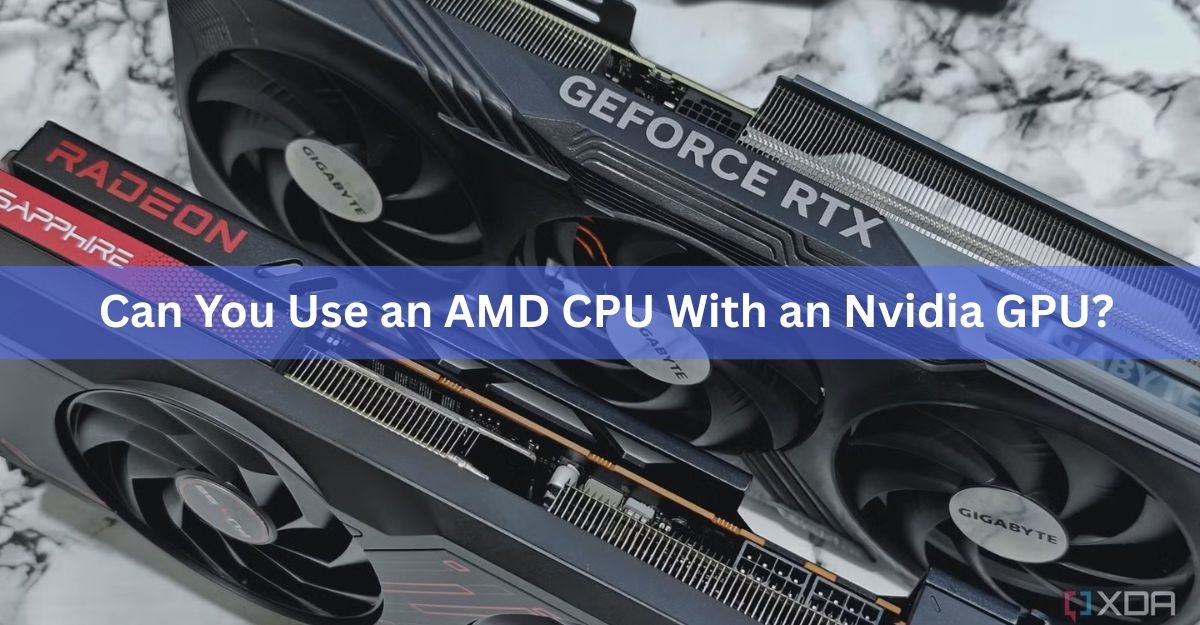
Yes. An AMD processor works with an Nvidia graphics card, and there’s no performance penalty for mixing the two brands. In fact, a Ryzen CPU paired with a GeForce RTX card is one of the most common setups in gaming PCs today.
The two parts don’t need to share a brand because they talk to each other through the same standard slot on your motherboard. Your CPU doesn’t know or care who made your graphics card, and the reverse is true too. What actually matters is picking a motherboard that fits both, and getting a few practical details right. Here’s everything you need to know before you buy or build.
Why an AMD CPU and Nvidia GPU work together
The link between your processor and graphics card is a slot called PCIe, short for PCI Express. It’s an open, industry-wide standard, so any modern graphics card fits any modern motherboard slot, no matter which company made the CPU. Think of it like a wall outlet. The plug shape is the same for every device, so it doesn’t matter who built the lamp.
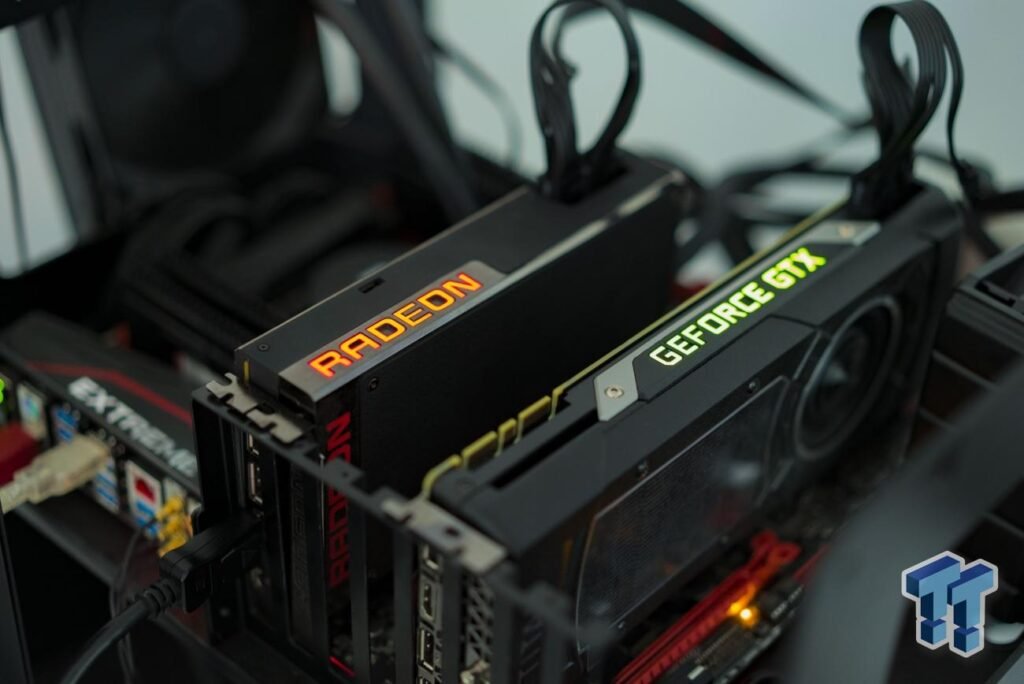
AMD is the only major company that makes both CPUs and graphics cards, which is probably why people wonder if the parts need to match. They don’t. AMD builds its Ryzen processors to work with any graphics card, and every current Nvidia GeForce card runs fine on an AMD system. The two brands are designed to be cross-compatible, and swapping one for the other changes nothing about how they cooperate.
Bottom line: CPU brand and GPU brand are independent choices. Pick the CPU that fits your budget and workload, then pick the GPU that fits your budget and the games or apps you run.
Where PC parts do clash is between the CPU and the motherboard, not the CPU and the GPU. A processor only fits a socket built for it, which is why the next section focuses on the board, not the card.
What to check before you buy
Buying a prebuilt PC or a laptop means the maker has already matched the parts, so you can skip this part and just enjoy the machine. If you’re building your own, a few quick checks keep you out of trouble. None of them are about the CPU and GPU getting along. They’re about making sure every piece fits the box you’re putting them in.
1. The right CPU socket
Your motherboard has to use the socket your AMD chip needs. Current Ryzen chips, like the 7000, 8000, and 9000 series, all use the AM5 socket. Older Ryzen chips use AM4. Match the board’s socket to the CPU and you’re set. This has nothing to do with your Nvidia card, but it’s the single most common building mistake, so it’s worth double-checking.
2. A PCIe x16 slot for the graphics card
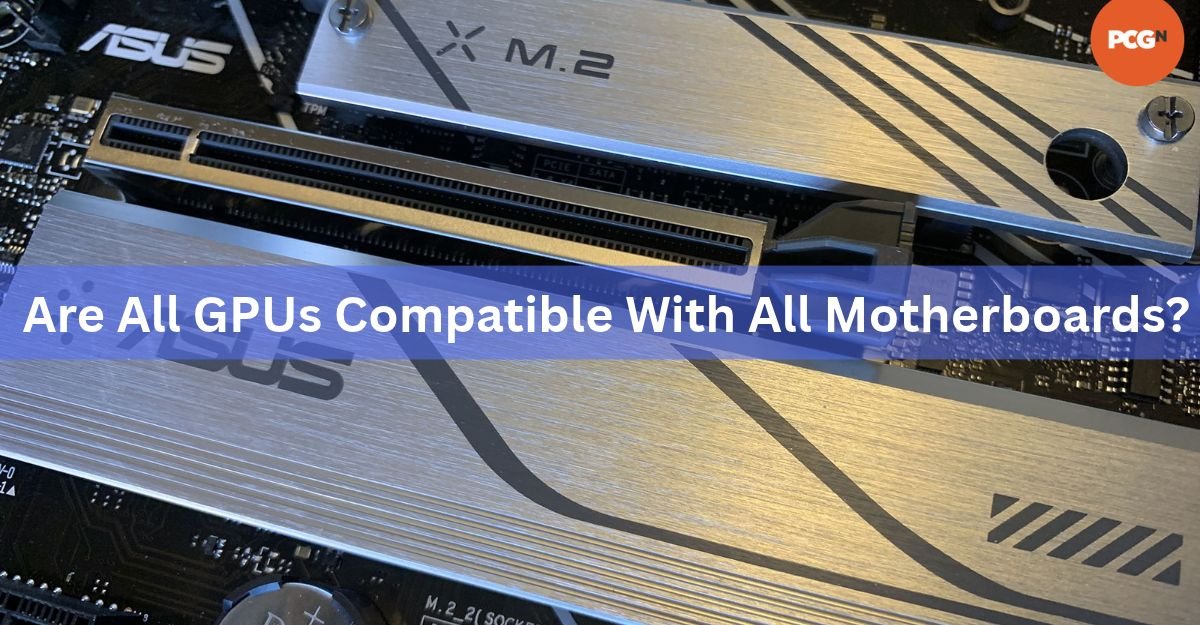
Every desktop graphics card slides into the long PCIe x16 slot, and every desktop motherboard has one. Any recent Nvidia card will physically fit and run in that slot on an AMD board. The slot version matters for peak speed but not for whether it works. AM5 boards run the main graphics slot at PCIe 5.0 or 4.0 depending on the chipset, and cards are backward compatible, so a newer card in an older slot still runs, just at that slot’s speed.
3. Enough power from your PSU
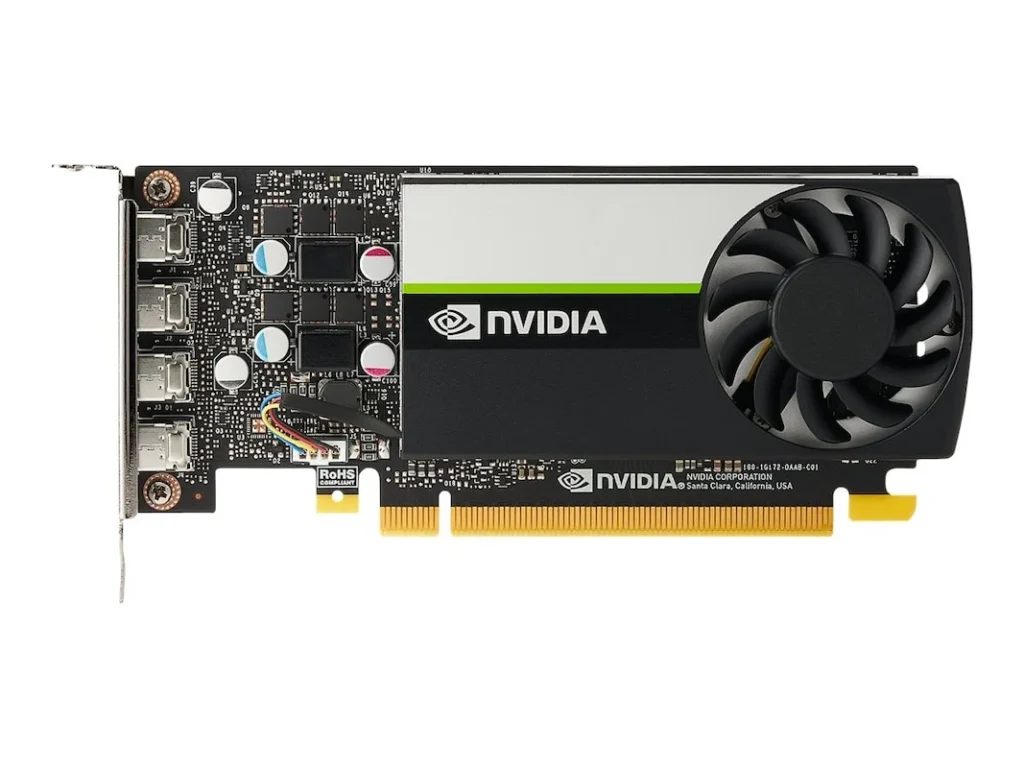
Graphics cards are usually the hungriest part in a gaming PC. Check the card maker’s recommended power supply wattage and make sure your PSU meets or beats it, with the right power connectors. A mid-range card might want a 650-watt supply, while a high-end card can ask for 850 watts or more. This is about the card’s needs, not the CPU pairing, but a weak PSU causes crashes that look like compatibility problems.
4. Physical space in the case
Modern graphics cards are big. Before you buy, check the card’s length against your case’s clearance, and make sure it won’t block other parts. This trips up small-form-factor builds most often. A quick look at both spec sheets saves a painful return.
Here’s the short version in one place:
| What to check | What you need |
|---|---|
| CPU socket | Board socket matches your Ryzen chip (AM5 for 7000/8000/9000 series, AM4 for older) |
| Graphics slot | One PCIe x16 slot (every desktop board has one) |
| Power supply | Meets the GPU maker’s recommended wattage, with the right connectors |
| Case clearance | Case is long and wide enough for the card |
Notice what’s not on that list: any rule about matching CPU and GPU brands. That’s because no such rule exists.
Resizable BAR and Smart Access Memory on a mixed setup
You may run into two feature names while shopping, and they cause a lot of confusion for mixed-brand builds. The good news is that the useful one works fine on an AMD-and-Nvidia system.
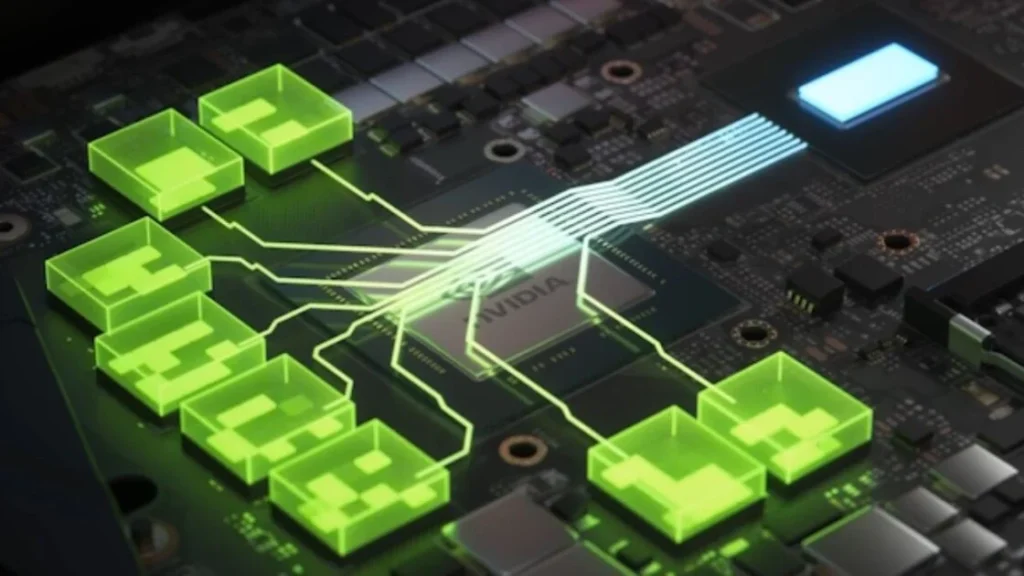
Both features do the same basic thing. Normally your CPU can only reach a small 256MB slice of the graphics card’s memory at a time. Resizable BAR lets the CPU see the card’s whole memory pool at once, which can lift frame rates in some games, often by a few percent and sometimes more.
Nvidia’s version is just called Resizable BAR, and it works regardless of your CPU brand. On a Ryzen chip with a supported GeForce card, you turn it on and get the benefit. You can read the details on Nvidia’s Resizable BAR page.
AMD’s version is called Smart Access Memory (SAM). This is the same underlying PCIe feature with AMD’s own branding and tuning, but it’s built for an all-AMD combo: a Ryzen CPU with a Radeon graphics card. AMD’s own Smart Access Memory page spells out that requirement. So on an AMD CPU with an Nvidia card, you don’t use SAM. You use Nvidia’s Resizable BAR instead, and you get the same kind of benefit.
Simple rule: on an AMD CPU plus Nvidia GPU, ignore Smart Access Memory and enable Nvidia’s Resizable BAR. Same idea, right tool for your mix.
Turning it on is quick. Update your motherboard to the latest BIOS, then enter the BIOS at startup and switch on two settings, usually named “Above 4G Decoding” and “Re-Size BAR Support.” Some boards fold both into a single toggle. Save, exit, and you’re done.
Installing the card and handling drivers
Putting the card in is the easy part. The step people miss is the drivers, and only in one specific case.
If you’re building fresh or moving from an older Nvidia card to a newer one, just install the card and grab the latest driver from Nvidia’s site. Nothing special needed.
If you’re swapping out an AMD Radeon card and dropping in an Nvidia card, take one extra step: clear out the old AMD graphics drivers first. Leftover drivers from the other brand can clash with the new card and cause glitches, crashes, or a card that won’t behave. Here’s the clean way to do it:
- Download the new Nvidia driver from Nvidia’s website ahead of time, plus a driver cleanup tool if you want a thorough wipe.
- Remove the old graphics drivers. You can uninstall AMD’s software from Windows, or use a dedicated driver-removal tool for a deeper clean, ideally in Windows Safe Mode.
- Shut down, swap the Radeon card for the Nvidia card, and boot back up.
- Install the fresh Nvidia driver, then restart.
Note that this cleanup only matters when you change GPU brands. If your AMD CPU is staying put and only the graphics card is changing brand, your CPU and chipset drivers are unaffected. It’s purely the graphics drivers you’re tidying up.
Does the pairing cost you any performance?
No. There’s no hidden tax for running an Nvidia card on an AMD processor. The parts communicate over the same PCIe link they’d use in any other system, and your frame rates come down to the strength of the CPU and GPU themselves, not their brands.
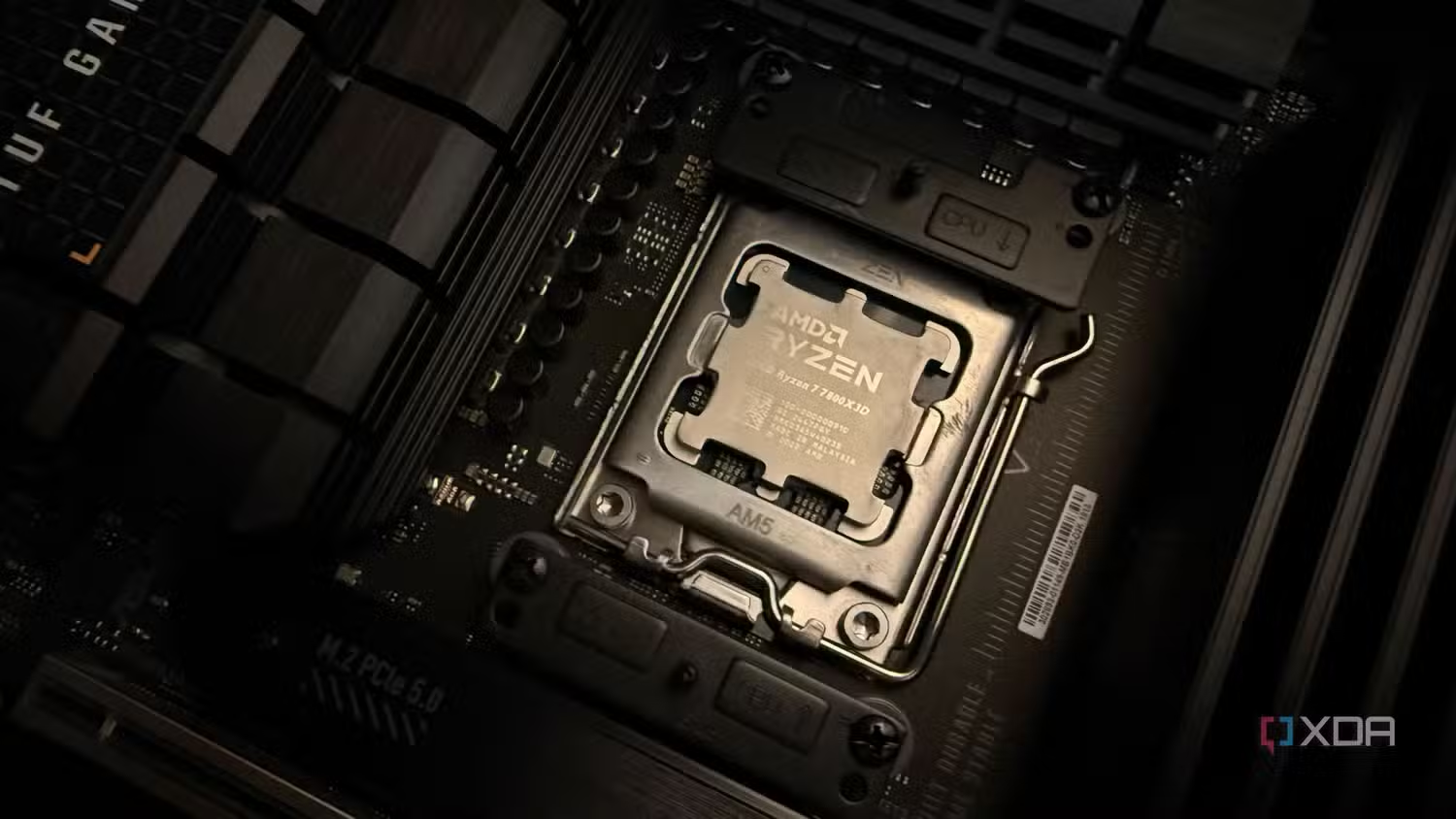
This combo is popular for a real reason. Many builders like AMD’s Ryzen chips, especially the X3D models, for strong gaming performance, while also wanting Nvidia features like ray tracing for more realistic light and shadow, and DLSS, which can boost smoothness in supported games. Pairing the two lets you chase the best of each without penalty.
The only performance ideas worth keeping in mind are the ordinary ones that apply to any build. Match the card to your resolution and target frame rate so one part doesn’t badly outclass the other, give the graphics card a fast enough slot to stretch its legs, and feed it enough power. Get those right and an AMD-plus-Nvidia machine performs exactly as its parts promise.
Frequently asked questions
Do I need an AMD graphics card to use an AMD CPU?
No. An AMD CPU works with any modern graphics card, including every current Nvidia GeForce card. CPU and GPU brands are independent, so you’re free to mix and match based on price and performance.
Will a Ryzen CPU bottleneck an Nvidia RTX card?
Only if the CPU is much weaker than the card, which is a normal balancing question in any build, not a brand issue. Match a capable Ryzen chip to your card and resolution and you’ll be fine.
Can I use Smart Access Memory with an Nvidia GPU?
No. Smart Access Memory needs an all-AMD setup, a Ryzen CPU with a Radeon GPU. On an AMD CPU with an Nvidia card, enable Nvidia’s Resizable BAR instead. It delivers the same type of benefit.
Do I need to reinstall drivers when moving an Nvidia card to an AMD system?
Just install the latest Nvidia driver. If you’re replacing an AMD Radeon card, remove the old AMD graphics drivers first to avoid conflicts. Your AMD CPU and chipset drivers stay as they are.
Is an AMD CPU and Nvidia GPU combo good for gaming?
Yes, it’s one of the most popular gaming setups around. It lets you combine Ryzen’s strong gaming performance with Nvidia features like ray tracing and DLSS, with no compatibility downside.
Conclusion
Yes, you can absolutely use an AMD CPU with an Nvidia GPU, and it’s a proven, penalty-free combination. The parts connect through the universal PCIe slot, so brand mixing simply isn’t an issue. To build one that runs right, match your motherboard socket to your Ryzen chip, drop the Nvidia card into the PCIe x16 slot, give it enough power and space, and enable Nvidia’s Resizable BAR for a little extra speed. Do that, and you get a fast, reliable machine that draws on the strengths of both brands.
Related Post:
Does Overclocking VRAM Boost Gaming Performance? What to Expect
Cooling a GPU With a CPU Cooler: What Actually Works and What Breaks
Does Undervolting a GPU Decrease Performance? Here Is What Actually Happens
How to Fix the “Unsupported GPU Processing Mode” Error in DaVinci Resolve
Should You Use Hardware-Accelerated GPU Scheduling? A Plain 2026 Answer