A good GPU clock speed on a current desktop graphics card is roughly 2,400 to 3,100 MHz under load. That band covers nearly every gaming card Nvidia, AMD, and Intel sell today. There is no single correct figure, though, because MHz only means something next to the card’s model and generation. A card that boosts to 2,970 MHz can be much slower than one that boosts to 2,410 MHz. Here is what each clock number means, what your card should hit while gaming, and when a low reading is worth worrying about.
What counts as a good clock speed today
Judge your card against its own rated boost clock, not against a universal number. Graphics cards set their frequency moment by moment based on temperature, power draw, and how hard the workload is pushing them. A healthy card reaches or beats the boost figure on its spec sheet while it is loaded, and stays there.
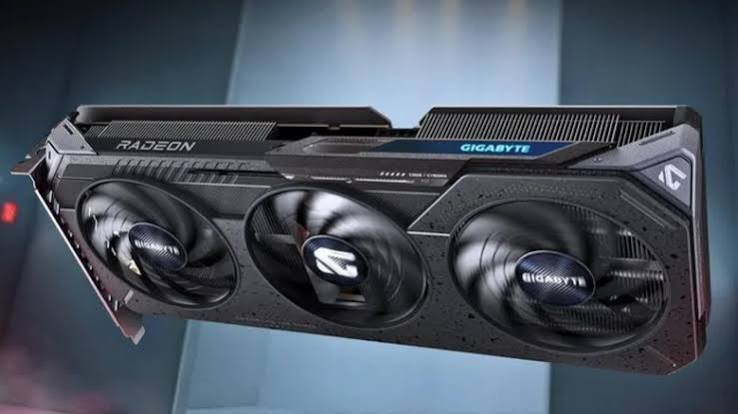
Age matters more than anything else. Clock speeds have climbed steadily as chips moved to smaller manufacturing processes, so a frequency that looks slow today was flagship territory a few years ago.
| Graphics card generation | Rated boost clock range |
|---|---|
| GTX 10 series, RX 500 (2016 to 2017) | 1,300 to 1,800 MHz |
| RTX 20 series, RX 5000 (2018 to 2019) | 1,600 to 1,900 MHz |
| RTX 30 series, RX 6000 (2020 to 2021) | 1,660 to 2,600 MHz |
| RTX 40 series, RX 7000 (2022 to 2023) | 2,400 to 2,800 MHz |
| RTX 50 series, RX 9000 (2025 onward) | 2,400 to 3,000 MHz |
Two examples make the point. A GTX 1080 Ti showing 1,582 MHz is doing exactly what it was built to do. An RX 9070 XT showing 1,600 MHz in a demanding game has something holding it back.
Resolution does not change the target. A card aims for the same clock at 1080p as it does at 4K. What changes is how much power it burns getting there and how many frames come out the other end, not the frequency the chip is chasing.
Base clock, boost clock, and game clock: what each one means
These are three separate promises about frequency, and only one of them describes what you will normally see on screen.
Base clock is the guaranteed floor. Under a normal 3D workload the card will not fall below it. It is the most cautious number on the box, and in practice you rarely catch a desktop card sitting there.
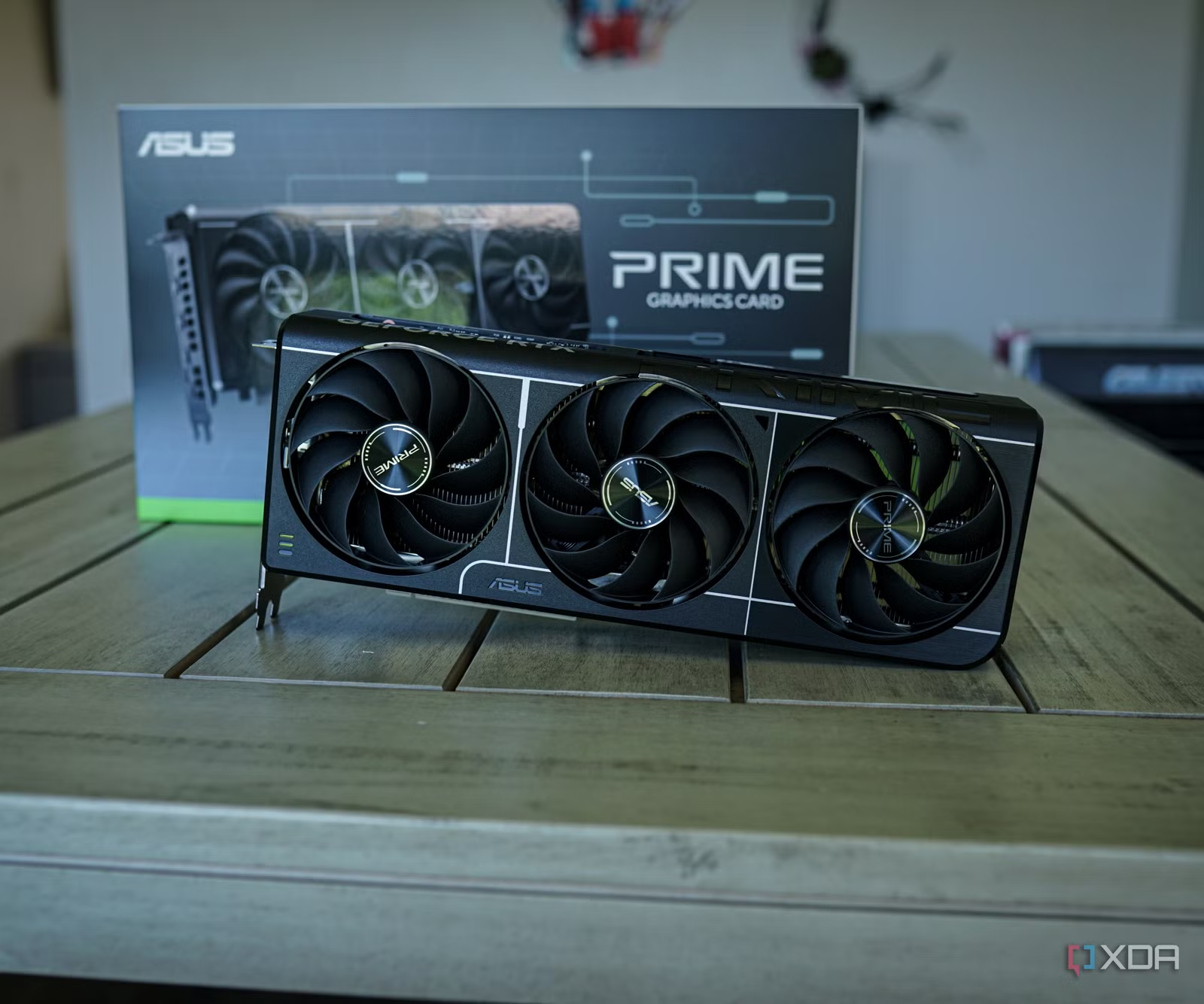
Boost clock is the peak the card aims for when temperature and power allow. Nvidia and Intel both use this term. It is a target rather than a hard ceiling, which is why cards routinely run above it.
Game clock is AMD’s extra number, and it is the most honest of the three. It sits between base and boost and describes the frequency the card is expected to hold during ordinary gameplay at its normal power setting. On a reference Radeon RX 9070 XT the game clock is 2,400 MHz while the boost clock is 2,970 MHz. Both are correct. One describes a sustained average, the other a peak.
Board partners such as Asus, Gigabyte, MSI, and Sapphire sell factory overclocked versions of the same chip with higher numbers on the box. A Gigabyte RX 9070 XT Gaming OC lifts the boost from AMD’s 2,970 MHz to 3,060 MHz and the game clock from 2,400 to 2,520 MHz, alongside a higher power limit of 330 W instead of 304 W. The real-world frame rate difference between a reference card and a factory overclocked one is usually 1 to 3 percent.
What clock speeds today’s graphics cards run at
Current desktop cards cluster between 2,400 and 3,000 MHz. Below are the rated boost clocks for the three lineups on sale now, taken from reference specifications rather than any one partner model. Nvidia publishes the full spec list on its GeForce RTX 50 Series pages.
| Graphics card | Rated boost clock |
|---|---|
| GeForce RTX 5090 | 2,410 MHz |
| GeForce RTX 5080 | 2,620 MHz |
| GeForce RTX 5070 Ti | 2,450 MHz |
| GeForce RTX 5070 | 2,510 MHz |
| GeForce RTX 5060 Ti | 2,570 MHz |
| GeForce RTX 5060 | 2,500 MHz |
| Radeon RX 9070 XT | 2,970 MHz |
| Radeon RX 9070 | 2,520 MHz |
| Intel Arc B580 | 2,670 MHz |
Two things in that table are worth pausing on. AMD’s RDNA 4 cards clock noticeably higher than Nvidia’s Blackwell cards. And the RTX 5090 carries the lowest boost clock in the entire Nvidia range while being by far the fastest card in it. Neither is a mistake. Frequency is a design decision, traded against core count, die size, and power budget.
Intel takes a different approach again. The Arc B580 is rated at a flat 2,670 MHz with no separate base and boost figure, so its spec sheet reads as a fixed target rather than a range.
To find your own number, check the product page for that exact model, not the chip. A Prime, a TUF, and a Nitro+ built on the same GPU can each be rated differently.
Why a higher MHz number does not mean a faster card
Clock speed compares fairly only between cards built on the same architecture. Across brands or generations it tells you very little.
Take the two current halo cards. The RX 9070 XT boosts to 2,970 MHz and the RTX 5090 boosts to 2,410 MHz, yet the RTX 5090 is far faster in every game. It carries 21,760 CUDA cores against 4,096 stream processors, 32 GB of GDDR7 on a 512-bit bus against 16 GB of GDDR6 on a 256-bit bus, and 1,792 GB/s of memory bandwidth against roughly 645 GB/s. Frequency is the smallest part of that gap.
The generational comparison is just as stark. A GTX 1080 Ti from 2017 boosts to 1,582 MHz. An RTX 5070 boosts to 2,510 MHz, about 59 percent higher. The performance difference between the two is much larger than 59 percent, because each core in the newer chip does more work per cycle and there are more cores doing it.
Three factors sit alongside frequency:
- Core count. More shader cores means more pixels processed per cycle.
- Architecture. Newer designs get more done at the same clock, with bigger caches and dedicated ray tracing and AI hardware.
- Memory bandwidth. A fast core starved of data spends its time waiting.
So how much weight should clock speed carry when you are buying? Very little, unless you are choosing between two versions of the same card. Comparing a reference RTX 5070 Ti with a factory overclocked one, the higher clock is a genuine if small advantage. Comparing an RTX 5070 Ti with an RX 9070 XT, the clock numbers are noise. Look at benchmarks for the games and resolution you actually play at instead.
What clock speed should you see while gaming?
Higher than the rated boost, in most cases. Boost algorithms push past the advertised figure whenever there is temperature and power headroom, so a card rated at 2,510 MHz often runs at 2,700 to 2,800 MHz inside a well-cooled desktop.
The number will also move constantly. Swings of 100 to 300 MHz within a single scene are normal. The card is reacting to how much power each frame demands. A heavy path traced scene pulls more current and drags the clock down slightly, while a simple corridor lets it climb again.
A healthy card sits at or above its rated boost during a demanding game, stays there for the whole session, and does not fall away sharply after the first ten minutes.
That last part is the real test. A clock that starts at 2,800 MHz and settles at 2,750 MHz once the card warms up is working exactly as designed. A clock that starts at 2,800 MHz and sinks to 1,900 MHz after fifteen minutes is telling you the cooling cannot keep up with the chip.
Menus and loading screens are the exception worth ignoring. Many games render menus at a tiny fraction of the load of real gameplay, so the clock drops there and climbs again once you are in the world. Uncapped menu frame rates can do the opposite and spike the clock for no benefit at all.
Sustained work behaves differently from gaming. Long renders in Blender or DaVinci Resolve, and AI workloads, load the card far more evenly than a game does. Clocks often settle a little lower under those conditions because the card spends more of its time pressed against the power limit. That is normal too.
Why your GPU clock speed looks too low
Most low readings are not faults. These are the usual explanations, roughly in the order each one turns out to be the answer.
The card is idle. At the Windows desktop, GPUs drop into a low power state. Core clocks between 100 and 500 MHz are completely normal there, and memory usually falls to a few hundred MHz as well. The frequency only ramps up when a 3D workload appears. Checking the number while browsing shows you the idle state, not a problem.
The GPU is not fully loaded. If your processor cannot feed frames quickly enough, or you have a frame rate cap or V-Sync switched on, the card has spare capacity and clocks down to save power. Always read utilisation alongside frequency. Low clocks with low utilisation points at the workload. Low clocks with 99 percent utilisation points at the card.
Heat. Nvidia cards typically hold a temperature target in the low 80s, slow down as they approach the low 90s, and shut themselves off near 95°C to prevent damage. Nvidia rates the RTX 5070 for a maximum of 85°C and the RTX 5080 for 88°C. If your temperature is pinned near those figures and the clock keeps sagging, the fix is airflow: clear the dust, add or reposition a case fan, or set a more aggressive fan curve.
Power limit. Cards also pull back when they reach their power budget. Monitoring tools flag this as a power or voltage limit rather than a thermal one. On cards with tight power targets it is routine, not a defect.
Windows and driver power settings. Battery saver modes, Windows power plans, and the driver’s own power management option can all hold the clock down. In the Nvidia Control Panel, Manage 3D Settings has a Power Management Mode setting; switching it to Prefer Maximum Performance stops the card dropping into idle states during light 3D work. On a desktop this is rarely needed, but it helps when a clock refuses to ramp up at all.
You are using a laptop. Laptop GPUs are configured by each manufacturer within a power range, and clocks follow that power. The RTX 5070 Laptop GPU is specified anywhere from 1,425 MHz to 2,347 MHz depending on how much the chassis allows. Two laptops carrying the same GPU name can run hundreds of MHz apart. Plugging in the charger and switching to a performance profile is often worth several hundred MHz on its own.
Core clock and memory clock are not the same number
Two frequencies appear in monitoring tools, and mixing them up causes a lot of confusion.
Core clock is the speed of the GPU chip, and it is the number this article has been describing. Memory clock is the speed of the VRAM sitting around it.
Memory speed gets reported two different ways, which is where things get muddled. Graphics memory transfers data several times per clock cycle, so the real frequency and the effective data rate are very different figures. GDDR6 running at a real 1,750 MHz is quoted as 14,000 MHz effective, or 14 Gbps. The GDDR7 on an RTX 5090 also runs at a real 1,750 MHz and is quoted as 28 Gbps.
GPU-Z reports the real frequency. MSI Afterburner and most manufacturer tools report the effective figure. Neither is wrong. If your memory reads 1,750 MHz in one tool and 28,000 MHz in another, both are describing the same chips.
How to check your GPU’s clock speed
You need a tool that reads live sensor values while a game is running. A reading taken at the desktop tells you nothing useful.
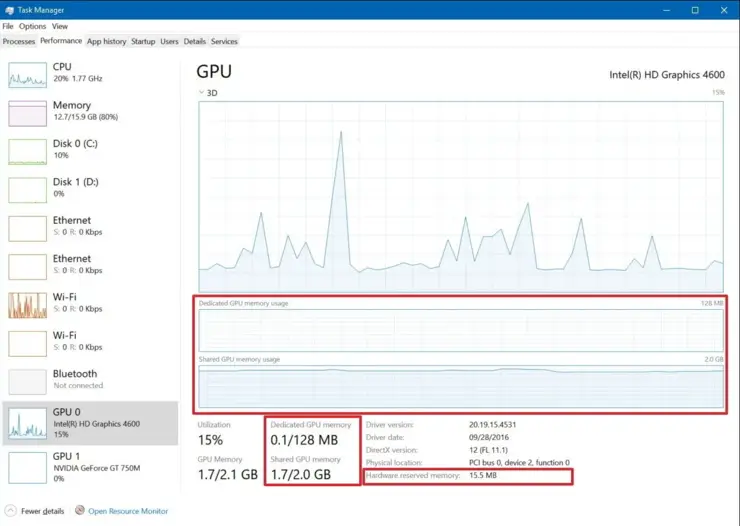
- Install a monitoring tool. GPU-Z is the simplest option, and its Sensors tab shows core clock, memory clock, temperature, and load in one place. MSI Afterburner adds an on-screen overlay. The Nvidia app and AMD’s Adrenalin software both include performance overlays as well.
- Look up the rated boost clock for your exact model, from the box or the manufacturer’s product page.
- Run a demanding game for at least 15 minutes so the card reaches a steady temperature.
- Watch core clock, temperature, and utilisation together. One number in isolation rarely explains anything.
- Compare. At full load, the core clock should sit at or above the rated boost.
Is chasing extra MHz through overclocking worth it?
A little, though less than the numbers suggest. On RTX 50 series cards, average chips take somewhere around 275 to 350 MHz above stock, and the better ones hold 400 to 450 MHz. That sounds like a lot. In frames per second it usually lands in single digit percentages, because the card was already boosting close to its practical limit and the power cap still applies.
Memory overclocking tends to give a better return for the effort on these cards, and it adds very little extra heat.
The tools are free. AMD’s Adrenalin software includes overclocking, undervolting, and power limit controls. Nvidia owners generally use MSI Afterburner or the utility that shipped with the card.
Two things are worth knowing before you start. Factory overclocked cards have less headroom left, since some of the extra frequency has already been applied at the factory, so 350 MHz added to a base model is not the same as 350 MHz added to a premium one. And undervolting, which lowers voltage while holding the clock, often produces steadier real-world frequencies than overclocking does, because the card runs cooler and stays out of its thermal limit for longer.
Test any change properly before trusting it. Run a demanding game or a stress test for half an hour and watch for artifacts, driver crashes, or a black screen. Instability from a GPU overclock rarely shows up in the first two minutes.
Frequently asked questions
Is 2,000 MHz a good GPU clock speed?
It depends on the card. For an RTX 30 series or RX 6000 card, 2,000 MHz under load is healthy. For a current RTX 50 or RX 9000 card rated above 2,400 MHz, seeing 2,000 MHz in a demanding game points to heat, a power limit, or an incomplete load.
Why does my GPU only run at 200 MHz?
That is the idle power state, and it is normal at the desktop. GPUs drop their frequency when there is no 3D work to do. Start a game and the clock should climb to full speed within a second or two.
Does a higher clock speed mean better FPS?
Within the same card, yes, roughly in proportion. Across different cards, no. Core count, architecture, and memory bandwidth matter far more, which is why an RTX 5090 at 2,410 MHz beats an RX 9070 XT at 2,970 MHz.
What is a safe GPU clock speed and temperature?
Any stock clock is safe, since cards manage their own limits. Temperature is the number to watch. Under 80°C is comfortable, the low to mid 80s is fine, and readings consistently above 90°C mean it is time to improve airflow.
Should the GPU clock go above the boost clock?
Yes, and it usually does. Boost clock is a target, not a ceiling. Running 100 to 300 MHz above the rated figure in a cool, well-powered system is normal and healthy.
Conclusion
For a current desktop graphics card, expect a boost clock of roughly 2,400 to 3,100 MHz, and treat your own model’s rated figure as the target. A good result looks like this: during a demanding game, the card sits at or above that rated boost, holds it for the whole session, and stays below the mid 80s in temperature. Ignore MHz when comparing different cards against each other, and check benchmarks for the exact model instead.
Related Post:
M4 Pro GPU Equivalent: What NVIDIA and AMD Cards It Matches
How to Fix “Could Not Find a Version That Satisfies the Requirement faiss-gpu”
Can You Use an AMD CPU With an Nvidia GPU?
Should You Overclock Your GPU? An Honest 2026 Answer