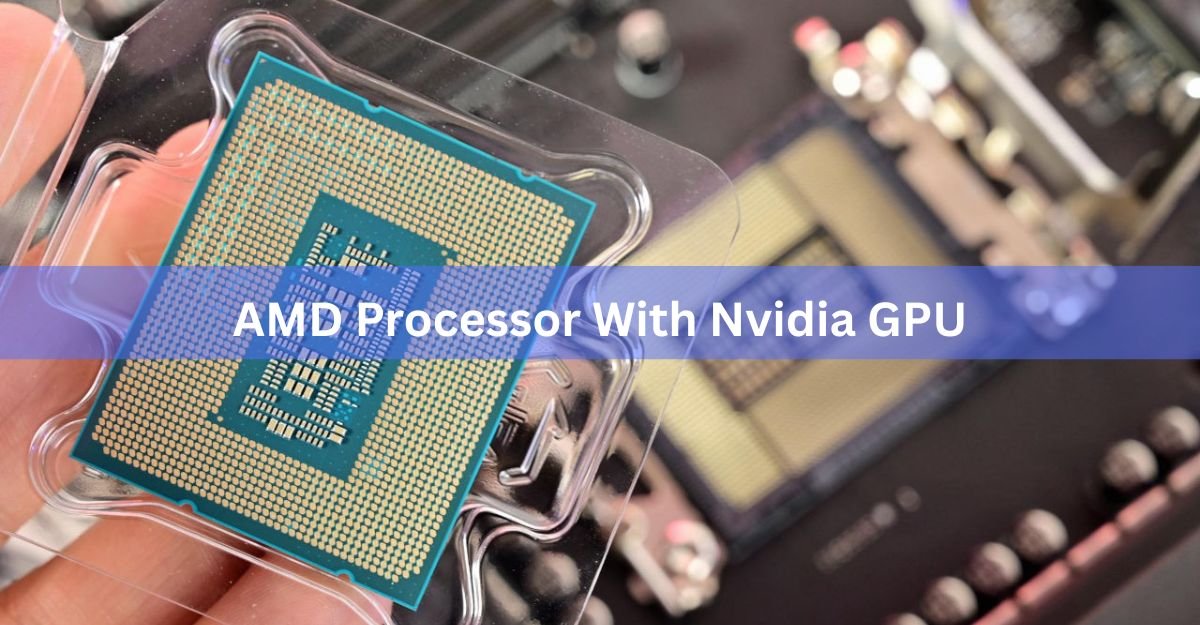
Yes, an AMD processor works with an Nvidia graphics card, and it is one of the most common builds you can buy right now. There is no compatibility layer, no special driver, and no performance penalty for mixing the two brands. Your Ryzen chip sits in the motherboard socket, your GeForce card sits in the PCIe slot, and the two never check each other’s badge.
The rest of this guide covers what actually matters: the parts that need to match, the one BIOS setting worth turning on, which pairings make sense at each budget, and where the real bottlenecks show up.
Why an AMD CPU and Nvidia GPU work together with no issue
The CPU and the GPU talk over PCI Express, an open standard that every motherboard and graphics card follows. PCIe does not care who made either part. A GeForce RTX 5080 plugged into a Ryzen board behaves the same way it does in an Intel board, because the slot, the lanes, and the signalling are identical.
The drivers stay separate too. Your Ryzen CPU uses the chipset driver from AMD. Your GeForce card uses the Game Ready driver from Nvidia. They install alongside each other and manage different hardware. Nothing overlaps and nothing conflicts.
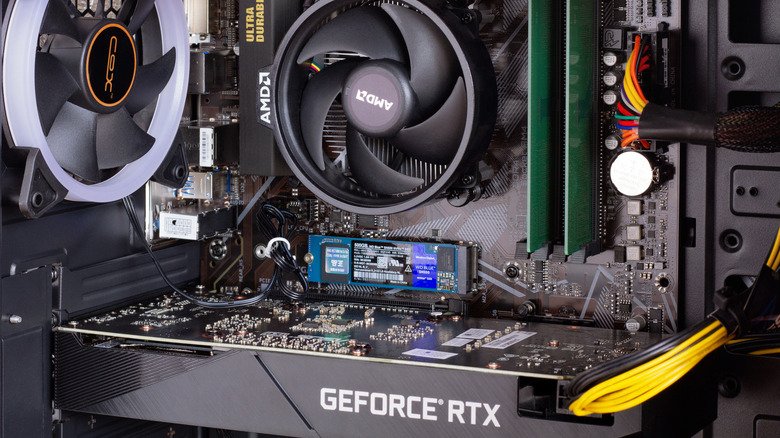
This is why the pairing shows up everywhere in prebuilt machines. Walk through any gaming laptop range and you will find Ryzen chips next to RTX cards on the same spec sheet. Custom builders do the same thing, because right now AMD makes the fastest gaming processors and Nvidia makes the fastest graphics cards. Buying both is just buying the best part in each category.
What you need to check before you buy
Compatibility here is not about brands. It is about four physical things lining up.
The CPU socket. Your Ryzen chip needs a motherboard with the matching socket. Ryzen 7000 and 9000 chips use AM5. Older Ryzen 3000 and 5000 chips use AM4. These are not interchangeable, so a 9800X3D will not drop into an AM4 board no matter what else you change.
A PCIe x16 slot. Every graphics card needs the long slot, and every modern gaming motherboard has at least one. If a board has an x16 slot, your GeForce card fits.
Enough power. This is where builds actually go wrong. An RTX 5090 can pull up to 575 W on its own, so a 1000 W unit is the sensible floor for that card, and 1200 W gives you headroom for the short power spikes these cards produce. Mid-range cards like an RTX 5070 are far easier to feed, and a good 750 W unit handles them comfortably. Look for a modern ATX 3.1 supply with the 12V-2×6 connector so you are not relying on adapter cables.
Physical clearance. Current high-end cards are long and thick. Check the card length against your case specs and count how many expansion slots the cooler covers.
If those four line up, the build works. Nothing else about the brand pairing matters.
| Ryzen generation | Socket | Chipsets to look for | GPU slot speed |
|---|---|---|---|
| Ryzen 9000 (Zen 5) | AM5 | X870E, X870, B850, B650E | PCIe 5.0 on X870, X870E and B650E; PCIe 4.0 guaranteed on B850 |
| Ryzen 7000 (Zen 4) | AM5 | X670E, B650E, B650 | PCIe 5.0 on the E boards |
| Ryzen 5000 (Zen 3) | AM4 | X570, B550 | PCIe 4.0 |
| Ryzen 3000 (Zen 2) | AM4 | X570, B450 | PCIe 4.0 on X570 |
PCIe 4.0 at x16 is still plenty for every consumer graphics card sold today, so a B850 board costs you nothing in frame rate.
Does Smart Access Memory work with an Nvidia card?
Not under that name, but you get the same feature. Smart Access Memory is AMD’s brand for Resizable BAR, an optional part of the PCI Express standard. Nvidia supports it too and just calls it Resizable BAR.
Here is what it does in plain terms. Normally your CPU can only see a small 256 MB window of the graphics card’s memory at a time. Resizable BAR opens that window so the CPU can address the whole thing at once, which cuts down the back-and-forth between the two chips.
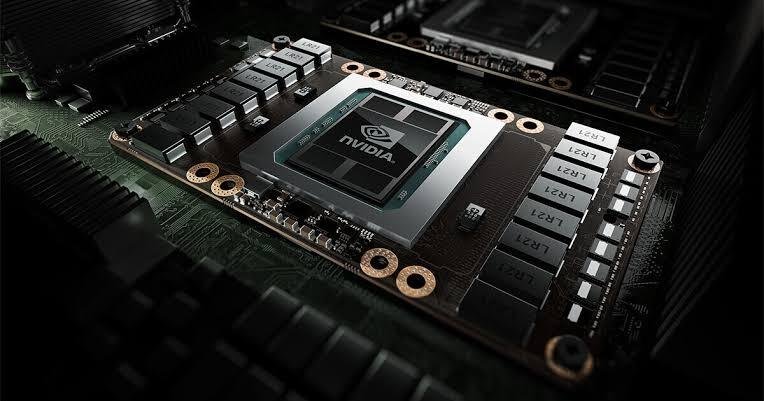
The payoff is modest and depends on the game. A few percent in some titles, up to around 12% in the best cases, and no measurable change in most. A small number of games actually run slightly worse with it on, which is why Nvidia enables it per game through driver profiles instead of switching it on for everything.
To turn it on, you need an RTX 30-series card or newer, a current motherboard BIOS, and a UEFI install of Windows. In the BIOS you enable two settings, usually labelled Above 4G Decoding and Re-Size BAR Support. Nvidia’s Resizable BAR support page covers the firmware requirements if you are on an older RTX 30 card that needs a VBIOS update. You can confirm it worked in the Nvidia Control Panel under System Information.
One real warning: Resizable BAR needs CSM turned off. If your Windows install is still on Legacy/MBR rather than UEFI/GPT, disabling CSM can stop it booting. Check which mode you are on before you change anything.
Which AMD CPU should you pair with your Nvidia GPU?
Pick the CPU based on your resolution and what else you do with the machine, not on the graphics card brand.
For pure gaming, AMD’s X3D chips are the strongest option available. They stack extra cache onto the processor die, which suits how games work: the same code and game state get read over and over, frame after frame. More cache means fewer trips to system memory, and that shows up most in your 1% lows, the dips that make a game feel choppy even when the average frame rate looks fine.
The Ryzen 7 9800X3D is the sensible default for a high-end gaming build. The newer 9850X3D is technically faster, but only by around 3% on average and it costs meaningfully more. If you also render, encode video, or compile code, the Ryzen 9 9950X3D gives you 16 cores without giving up much gaming speed. For a mid-range card, a Ryzen 5 9600X or Ryzen 7 9700X keeps up fine and leaves more budget for the GPU.
| Your target | Nvidia GPU | AMD CPU that fits |
|---|---|---|
| 1080p, tight budget | RTX 5060 Ti | Ryzen 5 7600 or 9600X |
| 1440p high refresh | RTX 5070 or 5070 Ti | Ryzen 5 9600X or Ryzen 7 9700X |
| 1440p maxed out | RTX 5080 | Ryzen 7 9800X3D |
| 4K, no compromises | RTX 5090 | Ryzen 7 9800X3D or Ryzen 9 9950X3D |
| Gaming plus heavy work | RTX 5080 or 5090 | Ryzen 9 9950X3D |
Where the bottleneck actually comes from
A bottleneck is a mismatch between your CPU and GPU, not a brand conflict. It happens when one part finishes its work and waits on the other.
Resolution decides which part carries the load. At 1080p the graphics card renders fewer pixels per frame, so it churns through frames fast and the CPU has to keep feeding it. That is where a weak processor shows up as a ceiling on your frame rate. At 4K the picture flips. The GPU is doing far more work per frame, so it becomes the limit and the CPU choice matters much less for raw frame rate.
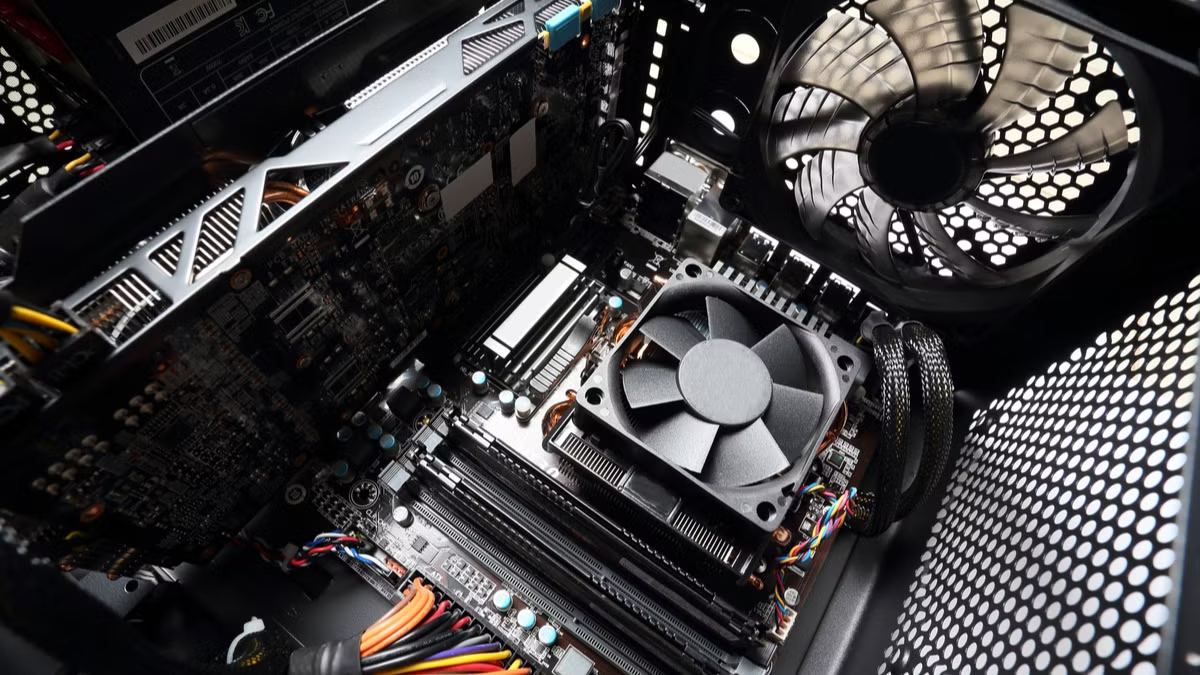
A rough rule for splitting a budget: put roughly 40 to 50% into the graphics card and 20 to 25% into the processor. Going further on the CPU rarely buys frames.
One thing is worth knowing about the current generation. The RTX 5090 produces roughly 30 to 50% more frames than the 4090 at the same settings, which means the CPU has to prepare each of those extra frames on time. A processor that felt balanced with a 4090 can hold back a 5090. This is one of the few cases where spending up on the CPU genuinely pays.
What you give up, and what you gain
Choosing Nvidia over Radeon on a Ryzen system does close off one small thing. AMD’s Smart Access Memory branding, and the driver-level tuning that comes with an all-AMD system, only apply when both parts are AMD. In practice you lose almost nothing, because Resizable BAR delivers the same underlying feature and the gains are small either way.
What you gain is access to Nvidia’s software stack. DLSS upscaling and frame generation, which render at a lower resolution and reconstruct the image, tend to hold up better than the alternatives at the same setting. Ray tracing performance is stronger card for card. NVENC, the dedicated video encoder built into GeForce cards, is a real advantage if you stream or export video, since it takes that job off the CPU entirely.
There is one setup where mixing does not help. If your Ryzen chip has built-in graphics, that integrated GPU does not combine with your GeForce card to add performance. The dedicated card handles rendering and the integrated one sits idle, which is exactly what you want.
Frequently asked questions
Do I need a special driver to run an Nvidia GPU on an AMD system?
No. Install the AMD chipset driver for your motherboard and the Nvidia Game Ready driver for your graphics card. They handle separate hardware and run alongside each other without conflict.
Is an Intel CPU better than AMD for an Nvidia graphics card?
No. Neither brand has an advantage with GeForce cards. AMD’s X3D chips currently lead in gaming performance, which makes them the stronger pick for most Nvidia builds regardless of platform.
Will an AMD CPU limit my RTX 5080 or 5090?
Only if you pair a weak chip with it at lower resolutions. A Ryzen 7 9800X3D or Ryzen 9 9950X3D keeps either card fed at 1440p and 4K. Older six-core chips can hold back a 5090 at 1440p.
Can I use G-Sync with an AMD processor?
Yes. G-Sync runs between your graphics card and your monitor over the display cable. The processor is not involved, so any Ryzen chip works with a G-Sync display.
Does Resizable BAR work on AM4 boards with Ryzen 5000?
Yes. Nvidia supports Resizable BAR on Ryzen 5000 chips with a 400 or 500 series board, provided you flash a current BIOS and run Windows in UEFI mode.
Conclusion
An AMD processor and an Nvidia graphics card work together with no compromise. Match the socket to the chip, drop the card in the x16 slot, size the power supply properly, and enable Resizable BAR in the BIOS. Then spend your budget by resolution: a Ryzen 5 with a mid-range RTX card at 1440p, or an X3D chip with an RTX 5080 or 5090 if you are pushing high refresh rates. A good result looks like both parts sitting near full use, with steady 1% lows.
Related Post:
GPU Fan Speed: What’s Normal, How to Check It, and How to Take Control
Should You Perform Scaling on GPU or Display?
What Does Undervolting a GPU Do? A Plain Guide to Lower Temps and Power
How to Install a New GPU: A Safe, Step-by-Step Guide
What Does Ti Stand for in a GPU? Nvidia’s Titanium Cards Explained