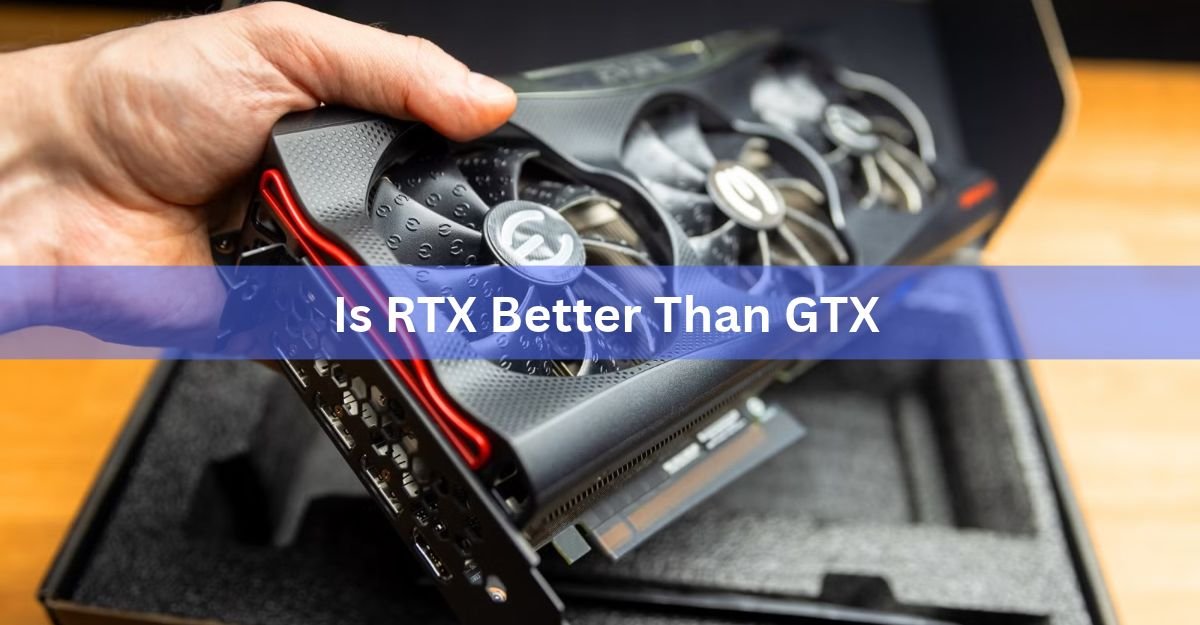
For almost everyone buying a graphics card today, yes, RTX is better than GTX. RTX cards do everything GTX cards do, then add ray tracing for more realistic lighting, DLSS to boost frame rates, and newer, faster hardware. The one real reason to still look at GTX is money, and even that reason is shrinking fast.
But “better” depends on what you play and what you can spend. A GTX card can still run plenty of games well, and if your budget is fixed and your needs are simple, it is not a bad buy. This guide breaks down what actually separates the two, in plain words, so you can pick the right card without wading through spec sheets.
We will cover what the names mean, the two features that only RTX has, how the raw speed compares, and the handful of cases where GTX is still the smart pick. By the end you will know exactly which line fits your games, your screen, and your price range.
What do RTX and GTX actually mean?
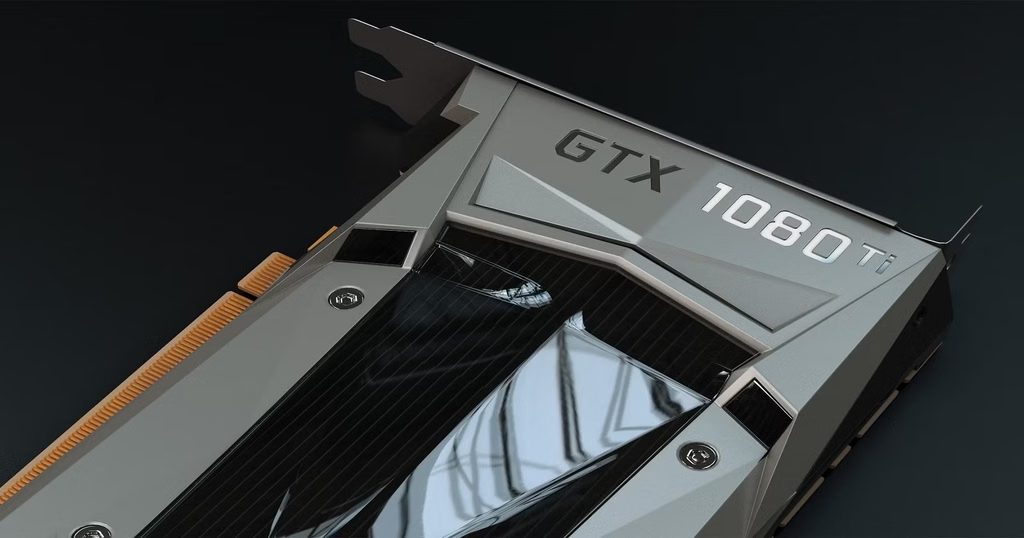
RTX and GTX are two naming lines for Nvidia GeForce graphics cards. GTX came first and covers older cards like the GTX 1060, 1650, and 1660. RTX is the newer line, starting with the RTX 20 series in 2018 and running through the 30, 40, and 50 series.
The letters hint at the difference. The “RT” in RTX stands for ray tracing, a lighting method the GTX cards simply cannot run in hardware. That single change is why Nvidia switched the name. It marked a jump to a new way of drawing light, shadows, and reflections in games.
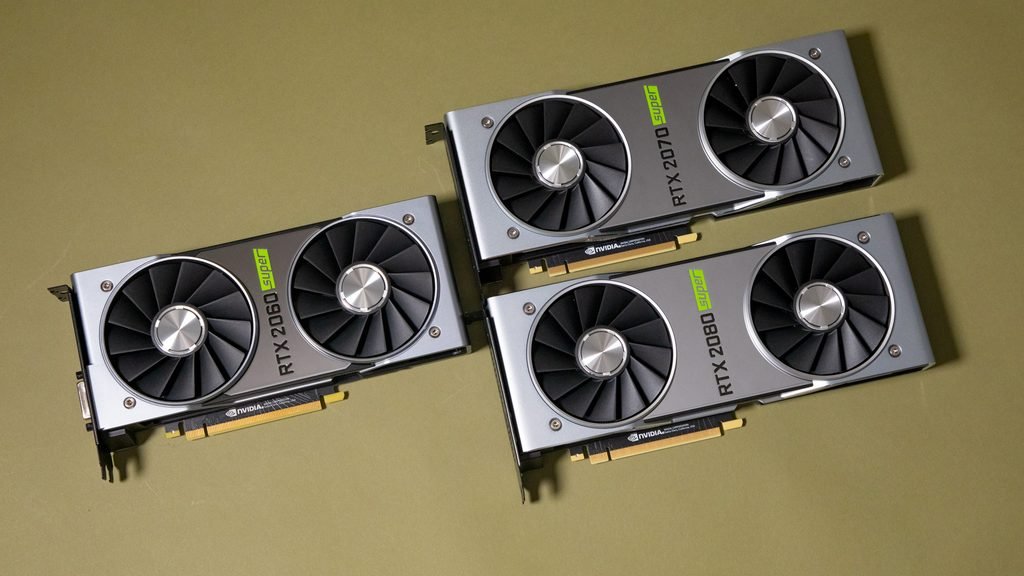
Think of GTX as the standard engine and RTX as the same engine with two extra parts bolted on: special cores for ray tracing and special cores for AI. Those extra parts are the heart of the whole comparison.
One more piece of naming helps here. Within each RTX generation, the higher the number, the stronger the card. An RTX 4070 beats an RTX 4060, and a 4090 sits at the top. The “Ti” and “Super” labels mark slightly faster versions of a card, so an RTX 4070 Ti is a notch above a plain 4070. The same pattern ran through the GTX line, which is why a GTX 1660 Ti outperforms a plain GTX 1660.
The short answer: RTX wins for most people
If you want one line to act on: buy RTX unless your budget is very tight or you only play older and lighter games. Here is why that holds up.
- RTX cards run modern games better and look sharper, thanks to ray tracing and DLSS.
- RTX cards handle video editing, 3D work, and AI tools far better.
- GTX cards are no longer made new, so buying one means buying leftover or used stock.
- The price gap between a cheap RTX card and a GTX card has mostly closed.
That last point matters more than people expect. Nvidia stopped making GTX cards years ago, and even the older RTX lines are winding down. New budget RTX cards now cover the same low price range GTX used to own, which removes the main reason GTX ever made sense.
Quick rule: if the card is for gaming after 2022, a creative hobby, or anything with “AI” in it, pick RTX. GTX only earns a look at rock-bottom prices for simple needs.
What ray tracing actually does
Ray tracing is a way of drawing light that copies how it behaves in real life. Instead of faking reflections and shadows with shortcuts, the card traces the path of light rays as they bounce around a scene. The result is lighting that looks natural: real reflections in puddles and windows, soft and accurate shadows, and a sense of depth that flat lighting misses.
RTX cards can do this because they carry RT cores, small dedicated units built only for ray tracing math. GTX cards have no such hardware. A handful of high-end GTX cards can switch on a basic version through software, but it runs so slowly that it is not worth using.
Games like Cyberpunk 2077 and Control are the usual showcases, where turning on ray tracing changes how a whole scene feels. Not every game supports it, and competitive players often leave it off to chase higher frame rates. But when you want a game to look its best, ray tracing is the feature doing the heavy lifting, and only RTX can deliver it properly.
There is a cost, though. Ray tracing is demanding, so switching it on lowers your frame rate. On weaker RTX cards the drop can be steep, which is why many players turn it on for slow, story-driven games and off for fast shooters. This is also where the second RTX feature comes in, because it hands back the speed that ray tracing takes away.
DLSS and frame generation: free speed
DLSS is the second big RTX-only feature, and for many players it matters even more than ray tracing. DLSS stands for Deep Learning Super Sampling. In plain terms, the card renders the game at a lower resolution, then uses AI to upscale the image to look sharp at your full screen size.
The payoff is more frames per second with almost no loss in how the game looks. You get smoother play without dropping your settings. On newer RTX cards, a related feature called frame generation goes further and creates extra frames between the real ones, pushing frame rates even higher.
This runs on the Tensor cores, a second set of dedicated units inside RTX cards built for AI math. GTX cards have no Tensor cores, so they cannot run DLSS at all. That means a GTX card has to render every frame the hard way, while an RTX card gets a steady speed boost for free in supported games. You can see the full list of supported titles on Nvidia’s DLSS page.
DLSS has also improved with each RTX generation. Early versions sometimes left images looking soft, but newer ones are sharp enough that many players leave DLSS on by default. The latest RTX cards pair it with frame generation to push frame rates higher still, which is a big reason a modern budget RTX card can outrun an older, pricier one.
Think of DLSS as a smart shortcut. The card does less work to draw each frame, so you get higher frame rates while the picture still looks crisp.
Raw speed, memory, and newer hardware
Set the fancy features aside and RTX still usually wins on plain speed. Because RTX cards use newer designs, they tend to have more processing power, faster memory, and better efficiency than GTX cards in the same price range.
A clear example is the jump from a GTX 1660 Ti to an RTX 3060. In modern games the RTX 3060 runs roughly 30 to 40 percent faster, before you even turn on ray tracing or DLSS. Step up to an RTX 2060 against a GTX 1650 and the RTX card delivers close to double the frame rates.
Memory is part of the story too. Many RTX cards use faster GDDR6, GDDR6X, or GDDR7 memory, while GTX cards mostly rely on older GDDR5. Faster memory helps at higher resolutions and in games that load a lot of detail, which is where GTX cards start to struggle.
There is one neat wrinkle worth knowing. The GTX 16 series, the 1650 and 1660 family, actually shares the same Turing design generation as the first RTX cards. They were built as the budget option without the RT and Tensor cores. So even the newest GTX cards were designed from day one to go without the features that define RTX.
Resolution is where this gap really shows. At 1080p, a strong GTX card still holds up in many games, so the difference can feel small. Move up to 1440p or 4K and the extra power, faster memory, and DLSS of an RTX card pull clearly ahead. If you game on a sharp, high-resolution screen, GTX starts to feel stretched while RTX keeps pace.
Where GTX still makes sense
GTX is not useless. For the right person and the right price, it still does a fine job. A GTX card can be a smart pick if a few things are true.
- You mainly play esports and older titles. Games like CS2, League of Legends, Valorant, and Minecraft run well on a GTX card at 1080p.
- Your budget is very tight. If a used GTX 1660 Super costs far less than any RTX option you can find, the savings may win out.
- You do not care about ray tracing or the newest AAA games. If max visuals are not the goal, you will not miss what GTX leaves out.
- You are reviving an old PC. A cheap GTX card can breathe new life into an aging machine without a full rebuild.
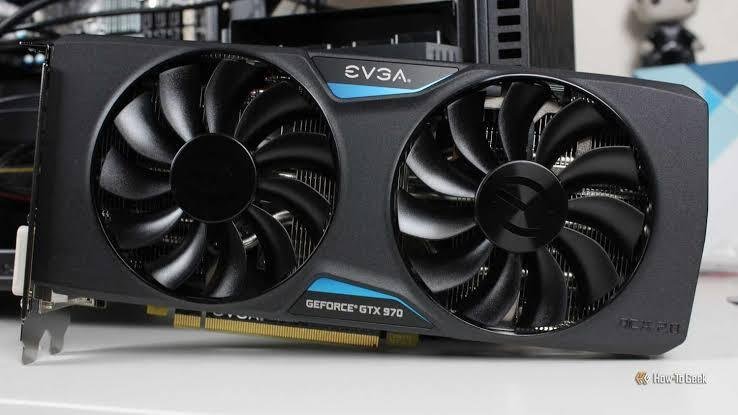
The catch is supply. Since GTX cards are out of production, you are shopping leftover new stock or the used market. Prices do not always drop the way you would hope, and you miss out on warranty and the newest software support. Before buying one, always check whether a current budget RTX card costs about the same. More often than not, it does.
Beyond gaming: creative and AI work
Games are only half the picture. If you edit video, render 3D scenes, stream, or play with AI tools, RTX pulls even further ahead.
Those Tensor cores that power DLSS also speed up creative software. Video editors export faster, 3D artists render scenes quicker, and AI tools for image or text generation lean heavily on this kind of hardware. Many creative apps are built to use RTX features directly, so the card does the heavy lifting instead of your processor.
Memory counts here too. Larger projects and bigger AI models need plenty of video memory, and RTX cards generally offer more of it along with faster speeds. A GTX card can still handle light editing and simple tasks, but it runs out of room quickly once the work gets serious. For anyone whose PC earns its keep as more than a game machine, RTX is the clear tool for the job.
So which should you buy?
Match the card to how you actually use your PC. Here is the simple breakdown.
Buy RTX if you play modern games, want the best visuals, care about smooth frame rates at 1440p or 4K, or do any video editing, 3D rendering, streaming, or AI work. This covers the large majority of buyers.
Consider GTX only if your budget is truly fixed at the low end, you stick to light or older games, and you find a GTX card priced clearly below the cheapest RTX option. Even then, compare carefully.
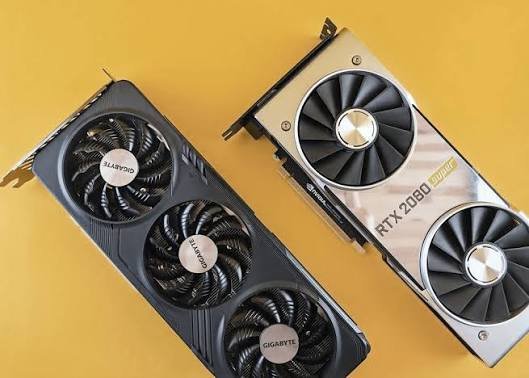
For most people the sweet spot is a current mid-range RTX card. Cards in that range handle 1080p and 1440p gaming with room to spare, support every modern feature, and cost far less than the top-end models. You rarely need the most expensive card on the shelf. You need the one that matches your screen and the games you actually play, and in that middle band RTX gives the best value for the money.
The same logic applies to laptops. An RTX laptop gives you DLSS, better game support, and stronger resale value, while a GTX laptop is usually an older or cheaper machine. If the price difference is small, the RTX laptop is the safer long-term buy. If you want to compare exact models side by side, Nvidia lists the full specs for every card on its GeForce graphics cards page.
Here is how the two lines stack up at a glance.
| Feature | RTX cards | GTX cards |
|---|---|---|
| Ray tracing cores | Yes, dedicated RT cores | No hardware RT cores |
| Tensor (AI) cores | Yes | No |
| DLSS upscaling | Supported | Not supported |
| Frame generation | Yes, on 40 and 50 series | No |
| Typical memory | GDDR6 / GDDR6X / GDDR7 | GDDR5 or GDDR6 |
| Still made new (2026) | Yes | No, sold as old stock only |
| Best for | Modern AAA games, creation, AI | Light esports, older titles, tight budgets |
Frequently asked questions
Is a GTX card still worth buying in 2026?
Only in narrow cases. A GTX card can work for light or older games on a very tight budget, but it is out of production, so you are buying leftover or used stock. Always check if a budget RTX card costs about the same first.
Can a GTX card run ray tracing?
Not properly. GTX cards lack the RT cores that make ray tracing run smoothly. A few high-end GTX models can switch on a basic software version, but it runs so slowly it is not worth using in real games.
Is the RTX 2060 better than the GTX 1660 Ti?
Yes. The RTX 2060 is faster in most games and adds ray tracing and DLSS, which the GTX 1660 Ti cannot do. The 1660 Ti is only worth it if it is noticeably cheaper and you do not want those features.
Does RTX use more power than GTX?
Higher-end RTX cards can draw more power because they are more powerful. But newer RTX cards are also more efficient for the performance they give, so you often get more speed per watt than an older GTX card.
Is RTX better for video editing and AI work?
Yes, clearly. The Tensor cores and extra memory in RTX cards speed up video editing, 3D rendering, and AI tools like image generation. GTX cards lack this hardware and fall behind on these tasks.
Conclusion
For most buyers in 2026, RTX is the better choice. It does everything GTX does and adds ray tracing, DLSS, faster hardware, and real strength for creative and AI work. GTX only makes sense on a very tight budget for light or older games, and even then only when it costs clearly less than a budget RTX card. A good result is simple: match the card to your games and your wallet, and lean RTX unless the numbers push you the other way.
Related Post:
Is 8GB of VRAM Enough in 2026? The Honest Answer by Resolution
Is an 8GB Graphics Card Good? A Straight Answer for Your Setup
Are All GPUs Compatible With All Motherboards?