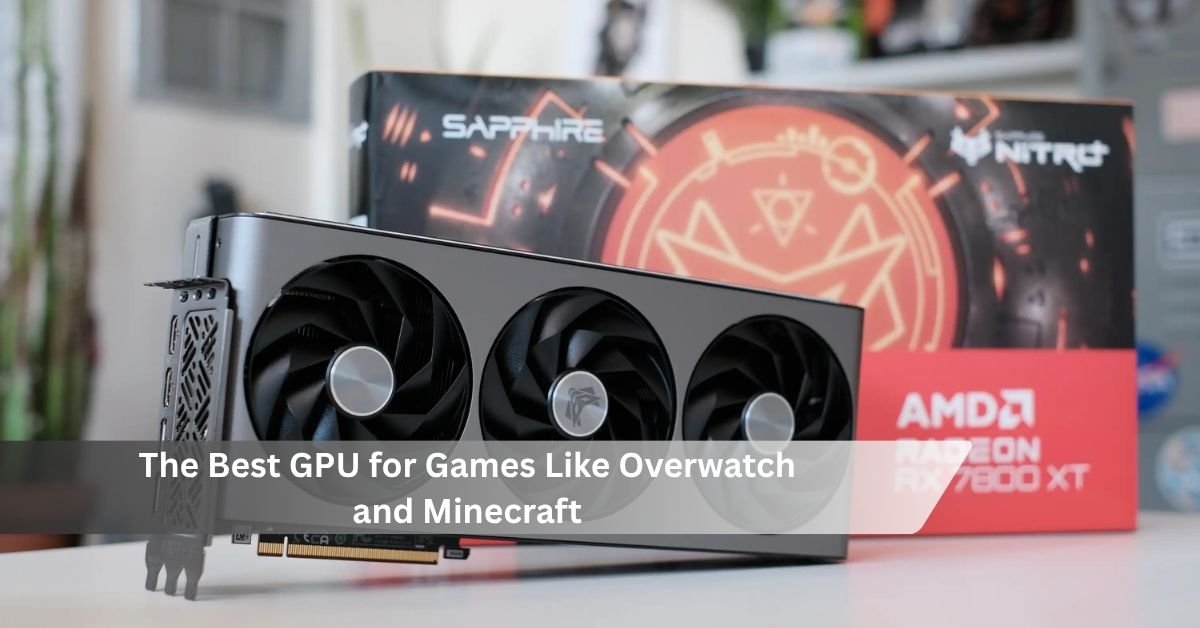
If you play fast shooters like Overwatch 2 alongside Minecraft with shaders or ray tracing, one card covers both cleanly: the NVIDIA GeForce RTX 5070. It pushes very high frame rates in Overwatch, and its ray tracing hardware plus DLSS 4 make Minecraft’s fancy lighting run smoothly. If you want to spend less, the RTX 5060 handles both at 1080p for around $349.
Here is the thing most buyers miss. These two games ask for almost opposite things from a graphics card. Overwatch is light and wants raw speed for hundreds of frames per second. Minecraft looks simple, but the moment you add ray tracing or heavy shaders, it turns into one of the most demanding things you can run. A good pick has to do both. Below is what to buy, why it works, and how to match the card to your screen and budget.
Why these two games pull a GPU in different directions
Overwatch 2 is built to run fast. It is well optimized, and the game now supports frame rates up to 600 FPS. On competitive settings at 1080p, even a mid-range card sails past 300 FPS. What matters here is not visual muscle but speed, because a higher frame rate means smoother motion and quicker reactions in a game where a fraction of a second decides the fight.
Minecraft is the opposite story. Plain “vanilla” Minecraft runs on almost anything. But two features change everything. The first is ray tracing (RTX) in the Bedrock version, which uses full path tracing to simulate how light bounces around a scene. The second is shaders in the Java version, packs like BSL, Complementary, or the heavier SEUS PTGI, which also add realistic light and reflections. Both hammer the GPU. Path tracing alone can drop a strong card from over 100 FPS to under 20 without help.
So you need a card that is fast enough to feed a high-refresh monitor in Overwatch, and strong enough in ray tracing to keep Minecraft smooth once the pretty lighting is on. That combination points in a clear direction.
The short answer for most people: RTX 5070
The RTX 5070 is the card most players in this spot should buy. It sits at a $549 launch price, though street prices in 2026 often land closer to $600 to $670 depending on stock. For that money you get strong 1440p performance, 6,144 CUDA cores, fast GDDR7 memory, and full support for DLSS 4.
In Overwatch 2, the RTX 5070 easily clears 140 FPS at 1440p in normal play and runs far higher once you drop to competitive settings, which is what you want for a 240Hz or 360Hz monitor. In Minecraft, its ray tracing cores plus DLSS handle Bedrock RTX at 1440p without the game falling apart, and it chews through Java shaders at high frame rates.
Rule of thumb for 2026: if you are spending more than $400 on a GPU, aim for a card that will not force you to fight with settings every time you load a demanding game. The RTX 5070 clears that bar for both of these titles.
One catch worth knowing: the RTX 5070 has 12GB of VRAM (the memory on the card). That is fine for both of these games today, even with high-resolution texture packs in Minecraft. If you plan to run 4K with the heaviest 512x ray-traced texture packs, you may feel that 12GB get tight, and a 16GB card makes more sense.
Why NVIDIA has the edge for this pairing
For this specific combo, NVIDIA cards have a real advantage, and it comes down to Minecraft. Ray tracing in Minecraft Bedrock was built with NVIDIA in mind, and it runs best on GeForce RTX hardware. Just as important, DLSS is NVIDIA’s upscaling feature: it renders the scene at a lower resolution, then uses AI to rebuild a sharp full-resolution image. In Minecraft RTX, turning DLSS on can more than double your frame rate while keeping the picture clean.
AMD’s Radeon cards are excellent value and often give you more VRAM for the money, and they play Overwatch beautifully. They can run Java shaders too. But they lack DLSS, and Minecraft’s ray tracing leans heavily toward NVIDIA. If ray-traced Minecraft is part of your plan, NVIDIA is the safer buy. You can check the current list of ray-tracing-capable hardware in the official Minecraft ray tracing FAQ.
Picks for every budget
The right card depends on your monitor and how far you want to push Minecraft’s visuals. Here are solid choices at three price points.
| Card | Rough price (2026) | VRAM | Best for |
| RTX 5060 | ~$349 | 12GB | 1080p, high-refresh Overwatch, Minecraft RTX at 1080p |
| RTX 5070 | ~$549 to $670 | 12GB | 1440p high-refresh, the all-round sweet spot |
| RTX 5070 Ti | ~$749 | 16GB | 1440p max settings and entry 4K with room to spare |
Budget pick, RTX 5060 (around $349). This is the cheapest way into current NVIDIA hardware, and it is plenty for 1080p. It runs Overwatch well above 140 FPS on competitive settings and handles Minecraft RTX at 1080p 60 FPS with DLSS on. Its low 150W power draw means it fits almost any PC without a power supply upgrade. If you game at 1080p and want both titles covered for as little as possible, start here.
The sweet spot, RTX 5070 (around $549 to $670). Covered above. For most people running a 1440p high-refresh monitor and wanting both games to feel great, this is the one.
Step up, RTX 5070 Ti (around $749). If you have the budget and want 1440p at max settings, headroom for 4K, or plan to run the heaviest Minecraft ray-traced texture packs, the 5070 Ti adds real muscle and, importantly, 16GB of VRAM. That extra memory unlocks the freedom to turn on every DLSS 4 feature and load big texture packs without worry.
Do not forget your CPU (especially for Minecraft)
A fast GPU is only half the picture, and Minecraft makes this obvious. Minecraft’s Java version leans hard on the processor (CPU) to load and prepare the world as you move. If your CPU cannot keep up, you get stutter while exploring, even with a top-tier graphics card. The GPU only draws the scene the CPU has already built.
A simple guide: pair your GPU with a midrange or better CPU, and spend real money there too. For every $100 you put toward the GPU, put a good chunk toward the CPU as well. Also give Java Minecraft more memory in the launcher settings, 8GB or so, because it defaults to a low amount and will stutter with heavy shaders and high-resolution packs.
One more cheap win: if you are still on a hard drive, moving Minecraft to an SSD often smooths out chunk loading more than a GPU upgrade would. For the full picture on which cards lead each price tier this year, Tom’s Hardware’s GPU guide tracks current pricing and benchmarks.
Matching the card to your monitor
Buy the GPU that fits your screen, not the other way around. At 1080p, the RTX 5060 is enough for both games, and spending more mostly buys you future headroom. At 1440p, which is the popular resolution for 2026, the RTX 5070 is the natural home, giving you high-refresh Overwatch and smooth ray-traced Minecraft. For 4K, or if you want maximum settings with the fanciest Minecraft packs, step up to the 5070 Ti or higher.
For Overwatch specifically, your monitor’s refresh rate is the real target. A 240Hz screen wants a card that can hold well over 240 FPS on competitive settings, and any of these three do that at 1080p. For a 360Hz display, the 5070 or 5070 Ti give you the most comfortable headroom.
Frequently asked questions
Is the RTX 5070 overkill just for Overwatch?
For Overwatch alone at 1080p, yes, a cheaper card like the RTX 5060 is plenty. The 5070 makes sense when you also want smooth ray-traced or shader-heavy Minecraft, or you game at 1440p and above on a high-refresh monitor.
Can I run Minecraft with shaders on an AMD card?
Yes. AMD Radeon cards run Java Edition shaders well and play Overwatch great. The catch is Minecraft’s Bedrock ray tracing, which is built around NVIDIA and DLSS. If ray-traced Minecraft matters to you, an NVIDIA card is the safer choice.
How much VRAM do I need for these two games?
12GB is comfortable for both at 1080p and 1440p, even with high-res Minecraft texture packs. Only 4K gaming with the heaviest 512x ray-traced packs really needs 16GB, which is where the RTX 5070 Ti comes in.
Does the CPU matter for Minecraft?
A lot. Java Minecraft depends on the CPU to load the world as you explore, so a weak processor causes stutter even with a strong GPU. Pair your card with a midrange or better CPU and give Java Minecraft more memory in the launcher.
Should I wait for the next generation of GPUs?
There is no need. No major new consumer lineup is expected before 2027, and current cards handle both games with room to spare. Buying an RTX 5060, 5070, or 5070 Ti now is a safe pick for years.
Conclusion
For a PC that plays both Overwatch 2 and ray-traced or shader-heavy Minecraft, the RTX 5070 is the card to get. It delivers the high frame rates Overwatch rewards and the ray tracing power plus DLSS 4 that Minecraft’s lighting needs, all at 1440p. Drop to the RTX 5060 for 1080p on a tighter budget, or step up to the RTX 5070 Ti for 4K and maxed-out visuals. Pair any of them with a decent CPU and enough memory, and both games will run great.